Claude Code Git Integration: See Every Change Your AI Agent Makes
Claude Code is a remarkably productive AI coding agent. You give it a task --- "refactor the authentication module," "add pagination to the API," "fix the memory leak in the worker pool" --- and it reads your codebase, writes code across multiple files, runs tests, and iterates until the job is done. In a single session, it might touch 10, 20, or even 50 files.
But here is the problem: when the agent finishes, you are left staring at a pile of uncommitted changes with no clear picture of what happened, when, or why. The terminal scrolls past. The diff is a wall of green and red. You cannot tell which changes came from the first turn of conversation and which came from the fifth. You cannot easily isolate a bad edit without reverting everything.
If you cannot see what your agent changed at each step, you cannot review it, trust it, or safely merge it. This article explains how SuperBuilder solves this problem with per-turn git diffs, visual file tracking, and one-click revert.
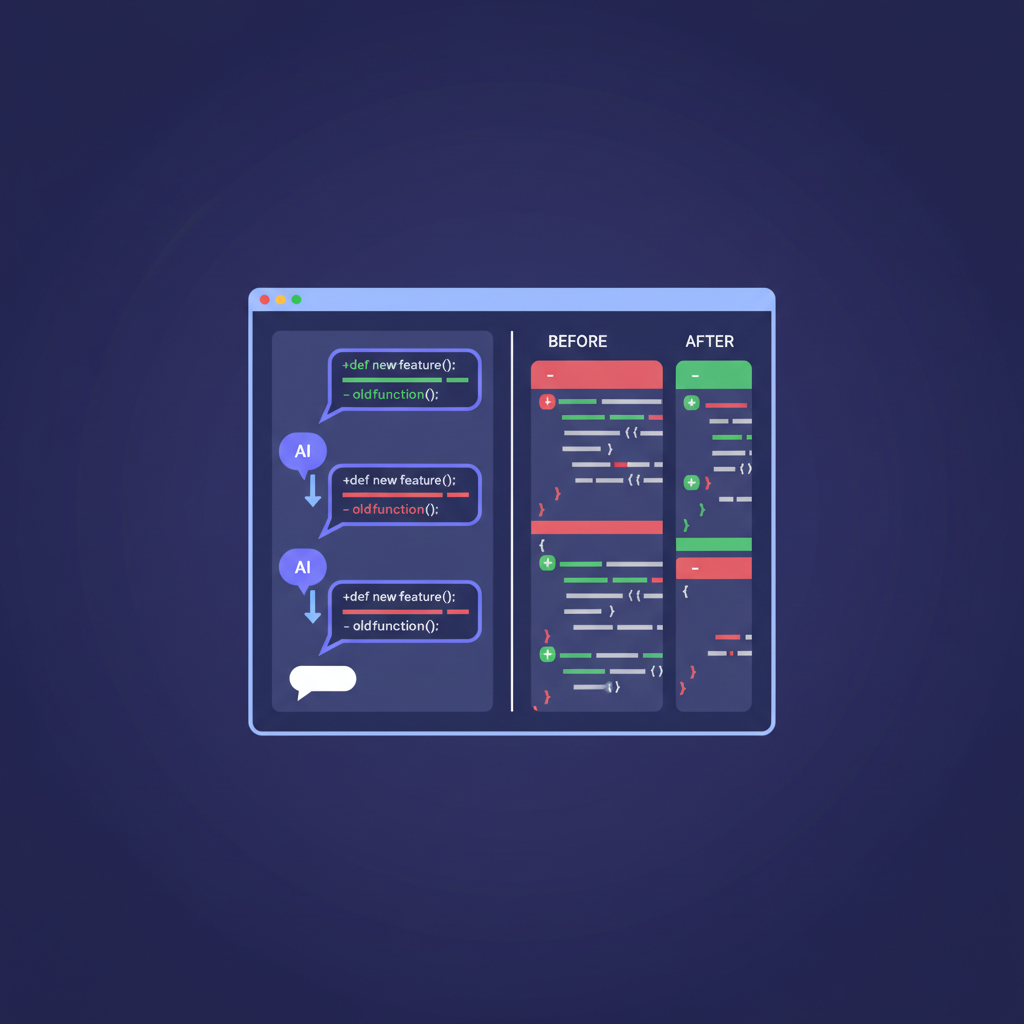
Table of Contents
- The Problem: AI Agents and Invisible Changes
- Why Standard Git Workflows Fall Short
- How SuperBuilder Tracks Every Change
- Per-Turn Diffs: What They Look Like in Practice
- One-Click Revert: Undo Without the Guesswork
- Best Practices for Git + AI Coding Agents
- FAQ
The Problem: AI Agents and Invisible Changes
When you write code by hand, you have a natural awareness of what you changed. You opened three files, edited a function in each, and you remember the shape of your edits. Your git diff confirms what you already know.
AI coding agents do not work that way. Claude Code operates autonomously across your codebase. It reads files you did not ask it to read. It edits files you did not expect it to edit. It creates new files, modifies configs, and updates imports --- all as part of solving the task you gave it.
This creates three distinct problems:
1. You Cannot See What Changed Per Step
A typical Claude Code session involves multiple conversational turns. You ask the agent to implement a feature, it writes some code, you point out an issue, it fixes it, you ask for tests, it adds them. Each turn produces a different set of file changes. But Claude Code does not separate these changes for you. At the end, you see one large, undifferentiated diff.
2. You Cannot Isolate Bad Edits
If the agent introduced a regression in turn three of a five-turn conversation, you have no efficient way to identify which specific changes caused it. You are stuck bisecting manually, reading through the entire diff, or reverting everything and starting over.
3. You Cannot Review AI Code the Way You Review Human Code
Code review works because reviewers can see focused, logical changesets. A 500-line diff that mixes a feature implementation, a bug fix, and a refactor is nearly impossible to review effectively. AI agents routinely produce exactly this kind of mixed, sprawling diff --- not because they are sloppy, but because they solve problems holistically. Without per-step visibility, you cannot meaningfully review what your agent did.
Why Standard Git Workflows Fall Short
You might think the solution is simple: just commit after every agent turn. In theory, that gives you a commit-per-turn history. In practice, it does not work well for several reasons.
Manual Commits Break Your Flow
If you stop after every agent turn to review, stage, and commit, you destroy the interactive back-and-forth that makes AI coding agents productive. The whole point of Claude Code is rapid iteration. Inserting a manual commit step after every response adds friction that defeats the purpose.
You Do Not Know When a Turn Ends
Claude Code does not signal "I am done editing files for this turn" in a way that makes manual snapshotting easy. The agent might write code, run a test, see it fail, and immediately start editing again --- all within a single turn. Knowing when to snapshot requires watching the agent's output closely, which is the opposite of the "set it and walk away" workflow most developers want.
Stashing and Branching Gets Messy
Some developers try creating a branch per task and committing frequently. This helps at the task level but does not give you per-turn granularity within a task. Others try git stash workflows, but stashing mid-session while an agent is actively writing files is fragile and error-prone.
The Terminal Does Not Help
The Claude Code CLI tells you which files were edited, but it does not show you what changed inside those files in a readable diff format. You have to run git diff yourself, parse the output, and mentally map it back to the conversation. This is tedious with two files and nearly impossible with twenty.
The core issue is that git has no concept of "conversation turns" or "agent interactions." Bridging that gap requires tooling that sits between the AI agent and your git repository.
How SuperBuilder Tracks Every Change
SuperBuilder is a free, open-source desktop app for running AI coding agents like Claude Code. One of its core features is git-aware change tracking that operates at the conversation turn level.
Here is how it works under the hood:
Automatic Snapshots Before and After Each Turn
When you send a message to Claude Code through SuperBuilder, the app captures a snapshot of your working tree's state before the agent starts processing. When the agent completes its response --- after all file edits, command executions, and tool calls are finished --- SuperBuilder captures a second snapshot.
The diff between these two snapshots is the precise set of changes that the agent made during that single conversational turn. No manual intervention required. No commits to create. No git commands to run.
File-Level Change Tracking
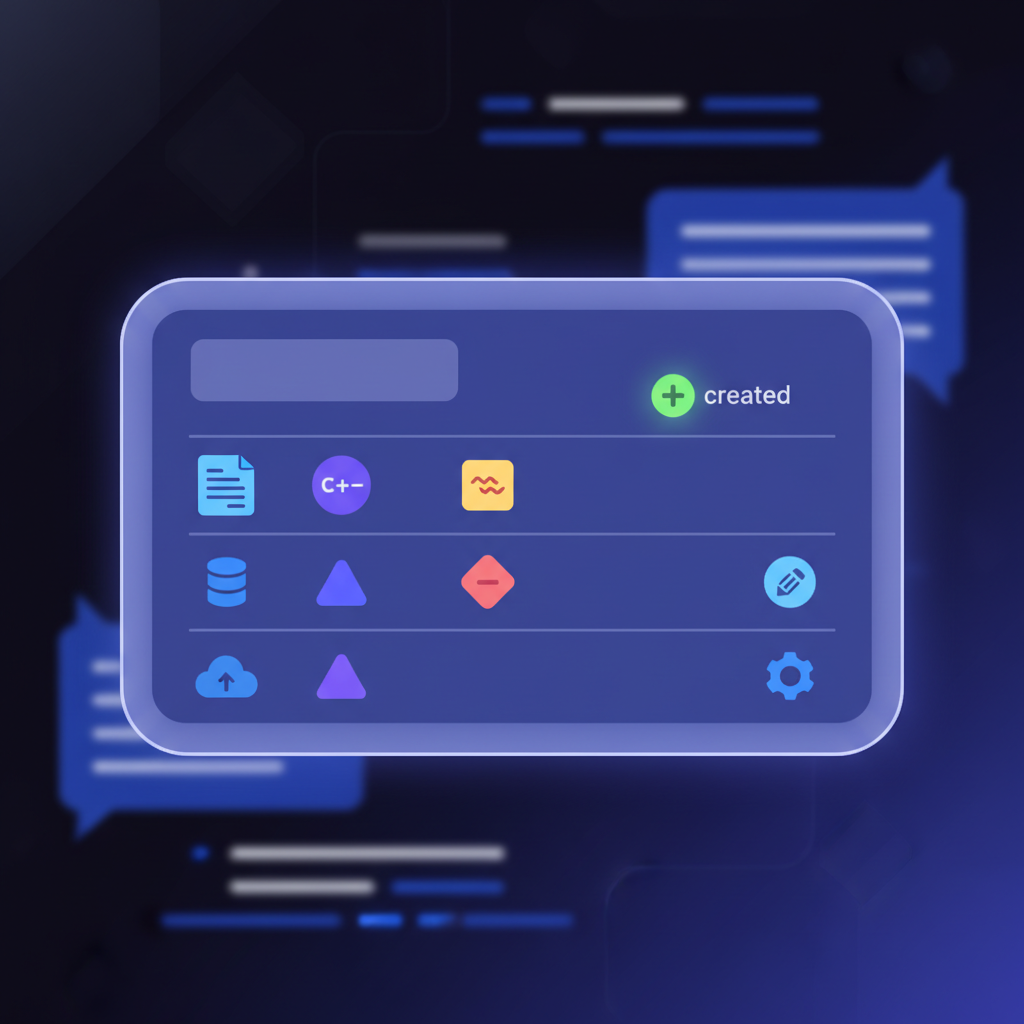
For each turn, SuperBuilder records which files were created, modified, or deleted. This metadata is displayed inline in the conversation view, directly below the agent's response. You can see at a glance: "This turn touched 4 files --- auth.ts, auth.test.ts, types.ts, and middleware.ts."
Visual Diff Rendering
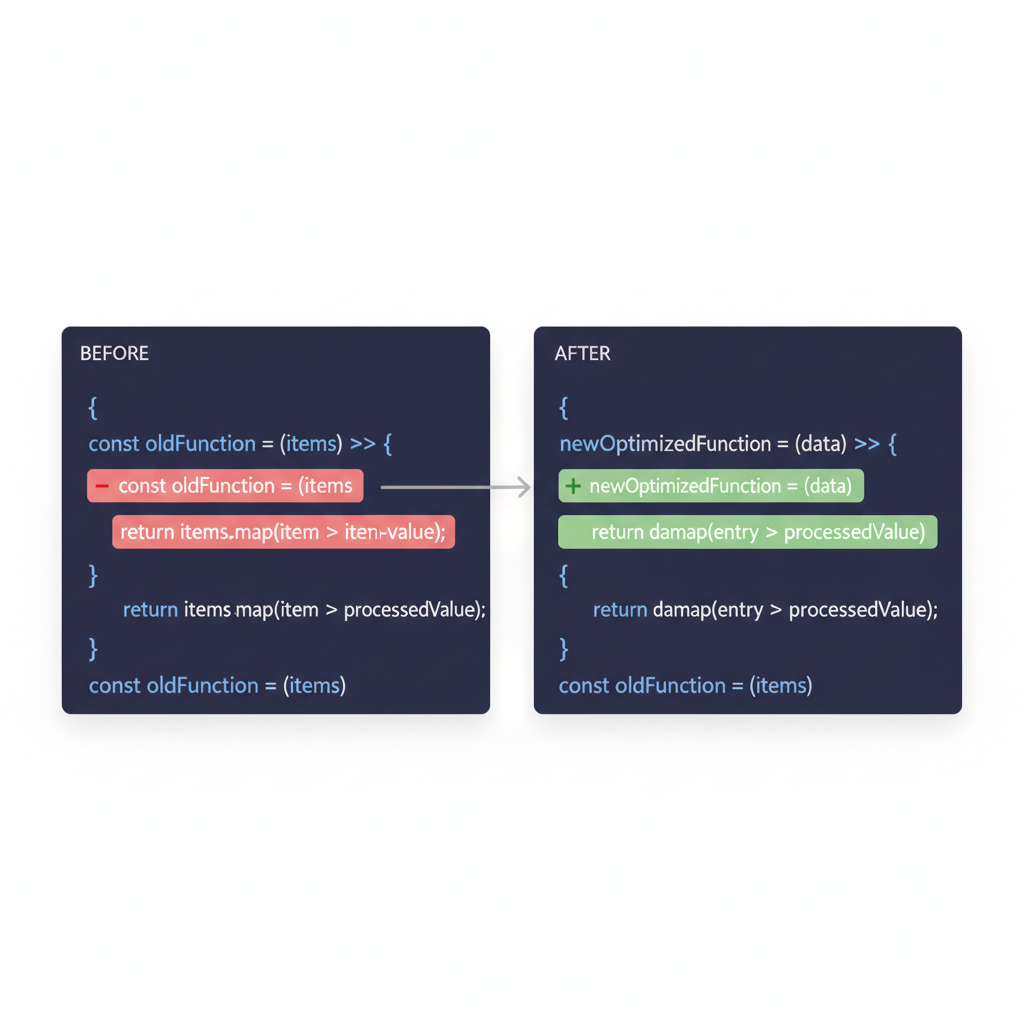
Clicking on any changed file opens a side-by-side diff view with full syntax highlighting. This is not a raw terminal diff. It is a rendered, scrollable, color-coded comparison that shows exactly what lines were added, removed, or modified. The diff is scoped to that specific turn, so you see only the changes the agent made in that step --- not the cumulative diff from the entire session.
Cumulative Session Diff
SuperBuilder also provides a session-level view that shows the total diff from the start of the conversation to the current state. This gives you two perspectives: the granular, turn-by-turn view for debugging and review, and the holistic view for understanding the overall impact of the session.
Per-Turn Diffs: What They Look Like in Practice
Let us walk through a realistic example to show why per-turn diffs matter.
Scenario: Adding Rate Limiting to an Express API
You open SuperBuilder, start a new conversation with Claude Code, and give it this prompt:
"Add rate limiting to the /api/users and /api/orders endpoints. Use express-rate-limit. Add tests."
Claude Code processes this in a single turn. It installs the package, creates a rate limiter middleware, applies it to both routes, updates the route files, and writes tests. SuperBuilder shows the turn's file changes:
package.json--- modified (added express-rate-limit dependency)src/middleware/rate-limiter.ts--- createdsrc/routes/users.ts--- modifiedsrc/routes/orders.ts--- modifiedtests/rate-limiter.test.ts--- created
You click on src/routes/users.ts and see a clean diff showing exactly the two lines that were added: the import and the middleware application. No noise. No unrelated changes.
Turn Two: Fixing an Issue
You notice the rate limiter uses a 100-request window, and you want 50. You tell the agent:
"Change the rate limit to 50 requests per 15 minutes."
Claude Code edits the middleware file. SuperBuilder shows this turn touched exactly one file: src/middleware/rate-limiter.ts. The diff shows a single line change --- max: 100 became max: 50. Clean, reviewable, obvious.
Turn Three: A Mistake
You ask the agent to add custom error messages for rate-limited responses. It modifies the middleware but accidentally introduces a TypeScript type error. SuperBuilder shows the turn's diff, and you can see exactly which lines were added. You ask the agent to fix it, and turn four's diff shows only the corrective edit.
Without per-turn diffs, you would see a single diff combining all four changes. Figuring out what went wrong would require reading the entire conversation log and mentally mapping responses to file changes.
One-Click Revert: Undo Without the Guesswork
Per-turn diffs are not just for reading. They enable a feature that is nearly impossible without them: targeted revert.
Reverting a Specific Turn
If you determine that a particular agent turn introduced a problem, you can revert that turn's changes without affecting anything the agent did before or after. SuperBuilder uses the before-and-after snapshots to generate a precise inverse patch. One click applies it.
This is fundamentally different from git checkout -- . or git reset --hard, which revert everything. It is also different from git revert, which operates on commits and does not understand conversation turns. SuperBuilder's revert is scoped to exactly the changes the agent made in one specific step.
When This Matters Most
Targeted revert is most valuable in long sessions. If you have a 10-turn conversation where the agent built a feature, wrote tests, fixed bugs, and optimized performance, and you discover that the optimization step actually made things slower --- you can revert just that turn. The feature, tests, and bug fixes remain intact.
Without this capability, your options are reverting everything (wasting time and API credits), manually undoing specific changes (error-prone), or asking the agent to undo its own work (consuming more tokens and potentially introducing new issues). Targeted revert makes the problem trivial.
Best Practices for Git + AI Coding Agents
Even with per-turn visibility and revert capabilities, good git hygiene matters when working with AI coding agents. Here are the practices that consistently produce the best results.
1. One Branch Per Task
Always create a dedicated branch before starting a Claude Code session. This isolates the agent's work from your main branch and gives you a clean merge point when the task is complete.
If the entire session goes sideways, you can delete the branch and start fresh. If it goes well, you have a clean PR to review and merge.
2. Commit at Logical Checkpoints
While SuperBuilder tracks changes per turn automatically, you should still create explicit git commits at meaningful milestones --- after the core implementation, after tests pass, after review fixes, and before anything risky like a large refactor or migration. These commits give you named restore points that persist beyond your SuperBuilder session.
3. Review Before You Merge, Not After
It is tempting to merge AI-generated code quickly because "it works." Resist this. Use SuperBuilder's per-turn diffs to review each step of the agent's work. Look for:
- Unnecessary changes. Did the agent modify files it did not need to touch?
- Style inconsistencies. Does the generated code match your project's conventions?
- Hardcoded values. AI agents sometimes hardcode things that should be configurable.
- Missing error handling. The agent may solve the happy path and skip edge cases.
- Security issues. AI-generated code can introduce vulnerabilities, especially around input validation and authentication.
4. Keep Sessions Focused
Long, multi-topic sessions produce large, mixed diffs that are hard to review even with per-turn visibility. Instead of asking Claude Code to "refactor auth, add rate limiting, and update the docs" in one session, run three separate sessions. Each session produces a focused changeset that is easier to review, easier to revert, and easier to understand in your git history.
5. Use Descriptive Prompts
The quality of your per-turn diffs is directly related to the quality of your prompts. Vague prompts like "improve the code" produce sprawling, unfocused changes. Specific prompts like "extract the validation logic from the UserController into a separate ValidationService class" produce tight, reviewable diffs.
6. Tag Before Experiments
When you ask the agent to try something experimental --- a different algorithm, an alternative architecture --- create a git tag before the experiment. If it does not work out, you have a clean rollback point.
FAQ
Does SuperBuilder modify my git history?
No. SuperBuilder's per-turn snapshots are internal to the app. They do not create commits, tags, or branches in your repository. Your git history remains exactly as you left it. You decide when and how to commit.
Does this work with any git repository?
Yes. SuperBuilder works with any standard git repository. It does not require a specific hosting provider, branching strategy, or git configuration. If git diff works in your project directory, SuperBuilder's change tracking will work.
Can I see diffs for past conversations?
Yes. SuperBuilder stores per-turn snapshot data alongside your conversation history. You can reopen a past conversation and review the diffs from each turn, even days or weeks later.
Does this work with other AI agents besides Claude Code?
Yes. SuperBuilder's git-aware change tracking works with any agent that modifies files in your project directory. The snapshot mechanism is agent-agnostic --- it captures the state of your working tree before and after each turn, regardless of which agent made the changes.
Is there a performance impact on large repositories?
No. SuperBuilder uses git's internal diffing engine rather than scanning the entire working tree, so performance scales with the size of the changeset, not the size of the repository. Per-turn diffs are generated in milliseconds even in large repos.
Conclusion
AI coding agents like Claude Code are transforming how developers build software. But the productivity gains only hold if you can see, review, and control what the agent changes. Without per-turn visibility, you are trusting your codebase to a black box.
SuperBuilder bridges that gap. Per-turn diffs show you exactly what changed at each step. Visual file tracking tells you which files were touched. One-click revert lets you undo specific turns without losing everything else. The result is a workflow where you can use Claude Code aggressively while maintaining the same review discipline you apply to human-written pull requests.
Download SuperBuilder for free at superbuilder.sh and see every change your AI agent makes.
