10 Best Claude Code Alternatives in 2026 (Free & Paid)
Claude Code changed how developers interact with AI. Instead of tab-completing single lines, you describe a task in plain English and an autonomous agent reads your codebase, writes code, runs tests, and iterates until the job is done. For many developers, it is the default choice for agentic coding.
But Claude Code is not perfect. It requires an Anthropic API key with pay-per-token pricing that can spiral past $100 per day. It is locked to Claude models only. It runs exclusively in the terminal with no GUI, no project management, and no built-in cost tracking.
Whether you want a free Claude Code alternative, a visual IDE, or multi-model support, there are strong options in 2026. This guide covers ten alternatives with honest pros, cons, pricing, and a comparison table.
What Makes a Good Claude Code Alternative?
Before diving into individual tools, here are the criteria that matter most:
- Agentic capability: Can it autonomously read files, write code, run commands, and iterate on errors?
- Model flexibility: Are you locked to one provider, or can you choose between Claude, GPT-4, Gemini, and open-source models?
- Cost transparency: Can you see what each interaction costs in real time?
- IDE integration: Does it work inside your existing editor?
- Pricing model: Subscription-based, pay-per-token, or free?
- Open source: Can you inspect the code, self-host, and contribute?
No single tool wins on every dimension. The right alternative depends on how you work.
Quick Comparison Table
Before the deep dive, here is a high-level comparison of all ten tools:
| Tool | Type | Pricing | Open Source | Multi-Model | Agentic Mode | Best For |
|---|---|---|---|---|---|---|
| Cursor | IDE (VS Code fork) | Free tier + $20/mo Pro | No | Yes | Yes | Full IDE replacement |
| Windsurf | IDE (VS Code fork) | Free tier + $15/mo Pro | No | Yes | Yes | Budget-friendly IDE |
| Aider | CLI | Free (OSS) + API costs | Yes | Yes | Yes | Terminal-native devs |
| Codex CLI | CLI | Free (OSS) + API costs | Yes | OpenAI only | Yes | OpenAI ecosystem users |
| Devin | Autonomous agent | $500/mo | No | Proprietary | Yes | Fully autonomous tasks |
| GitHub Copilot | IDE extension | Free tier + $10/mo | No | Yes | Yes (Agent Mode) | GitHub-integrated teams |
| Cline | VS Code extension | Free (OSS) + API costs | Yes | Yes | Yes | VS Code users who want control |
| Lovable | Web app builder | Free tier + $20/mo | No | Proprietary | Yes | Non-technical builders |
| Replit Agent | Cloud IDE | Free tier + $25/mo | No | Proprietary | Yes | Prototyping and deployment |
| SuperBuilder | Desktop app (wraps Claude Code) | Free (OSS) | Yes | Via Claude Code | Yes | Making Claude Code better |
1. Cursor
What it is: Cursor is a VS Code fork rebuilt around AI-first workflows. It replaces your editor entirely with inline AI chat, multi-file editing, and an agentic "Composer" mode that autonomously works through complex tasks. It has become one of the most popular AI coding tools, with over a million daily users.
Pricing: Free tier with limited completions. Pro plan at $20/month includes 500 fast premium requests. Business plan at $40/month per seat adds admin controls and team features.

Pros
- Polished IDE experience: The editor feels like VS Code with superpowers. Tab completion, inline diffs, and the chat panel are seamlessly integrated. There is virtually no learning curve if you already use VS Code.
- Multi-model support: Cursor supports Claude, GPT-4o, Gemini, and other models. You can switch between them per conversation or set a default. This flexibility means you are never locked into one provider's pricing or capabilities.
- Agentic Composer mode: The Composer can read your codebase, create files, run terminal commands, and iterate on errors autonomously. It handles multi-file changes well and shows clear diffs before applying edits.
Cons
- Closed source: You cannot inspect how Cursor processes your code or how prompts are constructed. For developers working on security-sensitive codebases, this is a legitimate concern.
- Subscription lock-in: The free tier is limited. Once you depend on Cursor's AI features, you are paying $20-40/month regardless of actual usage. Heavy users often blow through the 500 fast request limit and face throttled responses.
- Resource heavy: Cursor is an Electron app running a full VS Code instance plus AI features. It uses significantly more RAM than a terminal-based tool. Developers on older machines will feel the weight.
Best for: Developers who want an all-in-one IDE with AI baked in and do not mind a subscription model. If you are already a VS Code user and want the smoothest possible AI coding experience, Cursor is the default recommendation.
2. Windsurf (by Codeium)
What it is: Windsurf is Codeium's AI-native IDE, also forked from VS Code. It positions itself as a more affordable Cursor alternative with inline completions, AI chat, and an agentic "Cascade" mode for multi-step coding tasks. Codeium's background in efficient code completion gives Windsurf strong autocomplete performance.
Pricing: Free tier with generous completions. Pro plan at $15/month. Teams plan at $30/month per seat.
Pros
- Lower price point: At $15/month for Pro, Windsurf undercuts Cursor by $5/month. The free tier is also more generous, making it accessible for hobbyists and students.
- Cascade agentic mode: Cascade can autonomously navigate your codebase, make multi-file edits, and run terminal commands. It is comparable to Cursor's Composer in capability and continues to improve with each release.
- Fast autocomplete: Codeium's core strength is completion speed. Windsurf's tab completions feel snappy, even on large files, because the underlying model is optimized for low-latency suggestions.
Cons
- Smaller ecosystem: Cursor has a larger community, more tutorials, and more third-party integrations. Windsurf is growing but still trails in mindshare and community resources.
- Closed source: Like Cursor, Windsurf is proprietary. You cannot audit the code or self-host it.
- Model selection is more limited: While Windsurf supports multiple models, the selection and configurability is not as extensive as Cursor's. Power users who want fine-grained model control may find it restrictive.
Best for: Developers who want a Cursor-like experience at a lower price. If you are cost-sensitive but still want a full AI IDE, Windsurf is the strongest budget option.
3. Aider
What it is: Aider is an open-source, terminal-based AI coding assistant. It connects to your local git repository, lets you chat with AI models, and applies code changes directly to your files with automatic git commits. Aider supports Claude, GPT-4, Gemini, Llama, DeepSeek, and dozens of other models through a unified interface. It is the closest direct alternative to Claude Code in terms of philosophy and workflow.
Pricing: Free and open source. You pay only for the API costs of whichever model you use.
Pros
- True multi-model support: Aider works with virtually every major AI model. You can start a task with Claude, switch to GPT-4 for a second opinion, or use a free local model for routine edits. This flexibility is unmatched.
- Open source and auditable: The entire codebase is on GitHub. You can inspect how prompts are built, how edits are applied, and what data is sent to model providers. This matters for security-conscious teams.
- Git-native workflow: Every edit Aider makes is a git commit with a descriptive message. You can review changes, revert them, or cherry-pick specific edits. This is a fundamentally safer workflow than tools that overwrite files without version control integration.
Cons
- No GUI: Aider is terminal-only. There are no inline diffs, no visual file trees, and no drag-and-drop. If you prefer visual feedback, the experience can feel spartan.
- Configuration complexity: Getting Aider to work optimally requires configuring API keys, model settings, and sometimes prompt templates. The initial setup is more involved than downloading a GUI app.
- Inconsistent results across models: Because Aider supports so many models, the quality of edits varies significantly depending on which model you use. Claude and GPT-4 produce good results; smaller or older models often struggle with Aider's edit format.
Best for: Terminal-native developers who want full model flexibility and open-source transparency. If you love Claude Code's workflow but want to use GPT-4 or local models, Aider is the best alternative.
4. Codex CLI (by OpenAI)
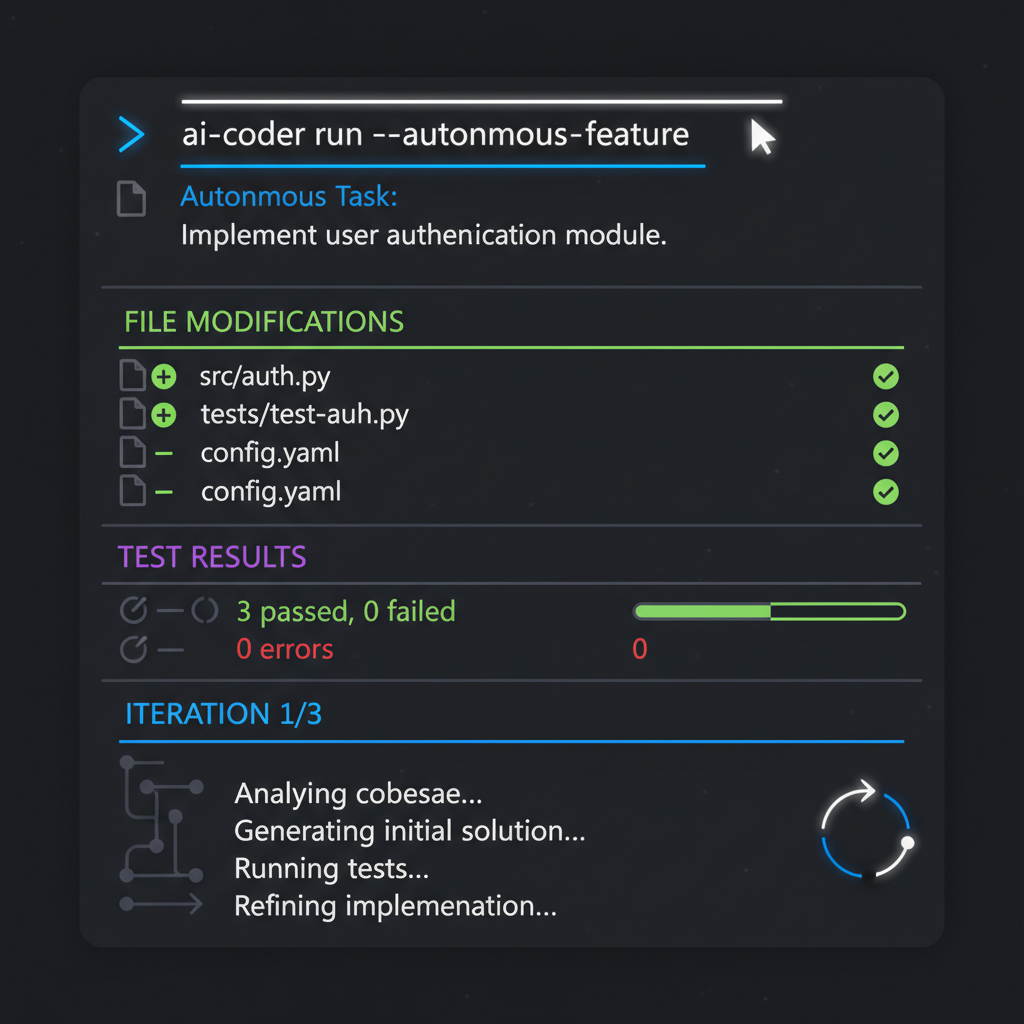
What it is: Codex CLI is OpenAI's answer to Claude Code. It is an open-source, terminal-based coding agent that uses OpenAI models (GPT-4o, o3, o4-mini) to read your codebase, write code, run commands, and iterate on errors. Released in early 2025, it mirrors Claude Code's agentic workflow but is tightly integrated with OpenAI's model ecosystem.
Pricing: Free and open source. You pay OpenAI API costs for model usage.
Pros
- OpenAI model access: If you prefer GPT-4o or o3 over Claude, Codex CLI is the native way to use them for agentic coding. The tool is optimized for OpenAI's function calling and structured output formats.
- Open source: Like Aider, Codex CLI is fully open source. You can inspect, modify, and contribute to the codebase.
- Familiar workflow: If you already use Claude Code, Codex CLI feels immediately familiar. The command structure, agentic loop, and file editing patterns are similar by design.
Cons
- OpenAI models only: Unlike Aider, Codex CLI does not support Claude, Gemini, or local models. You are locked into OpenAI's ecosystem and pricing.
- Newer and less mature: Codex CLI launched later than Claude Code and Aider. The community is smaller, documentation is thinner, and edge cases are more common.
- No built-in cost tracking: Like Claude Code, Codex CLI gives you no real-time visibility into what each interaction costs. You discover the bill after the fact.
Best for: Developers already invested in OpenAI's ecosystem who want a Claude Code-style terminal agent powered by GPT-4o or o3.
5. Devin (by Cognition)
What it is: Devin markets itself as the first fully autonomous AI software engineer. Unlike other tools on this list, Devin operates independently — you give it a task (via Slack, web UI, or API), and it spins up its own development environment, writes code, tests it, debugs errors, and delivers a pull request. It is designed for delegation, not pair programming.
Pricing: Starting at $500/month for teams. No free tier.

Pros
- Fully autonomous execution: Devin can handle entire tasks without human supervision. You describe what you want, walk away, and come back to a completed pull request. For routine tasks like dependency upgrades, boilerplate generation, or well-defined bug fixes, this saves real time.
- Built-in environment: Devin spins up its own sandboxed development environment with a browser, terminal, and editor. You do not need to configure anything locally.
- Async workflow: Because Devin works asynchronously, it fits naturally into team workflows. You can assign it tasks like you would assign tickets to a junior developer.
Cons
- Extremely expensive: At $500/month, Devin costs more than all other tools on this list combined. For individual developers or small teams, this is prohibitively expensive.
- Black box: Devin is fully proprietary. You cannot see how it makes decisions, what prompts it uses, or how it handles your code. The autonomous nature makes this opacity more concerning, not less.
- Unreliable on complex tasks: While Devin handles simple, well-defined tasks reasonably well, it struggles with ambiguous requirements, large codebases, and tasks that require deep architectural understanding. The marketing overpromises relative to current capabilities.
Best for: Well-funded teams with a high volume of routine, well-defined coding tasks who want to delegate work asynchronously. Not recommended for individual developers or complex architectural work.
6. GitHub Copilot
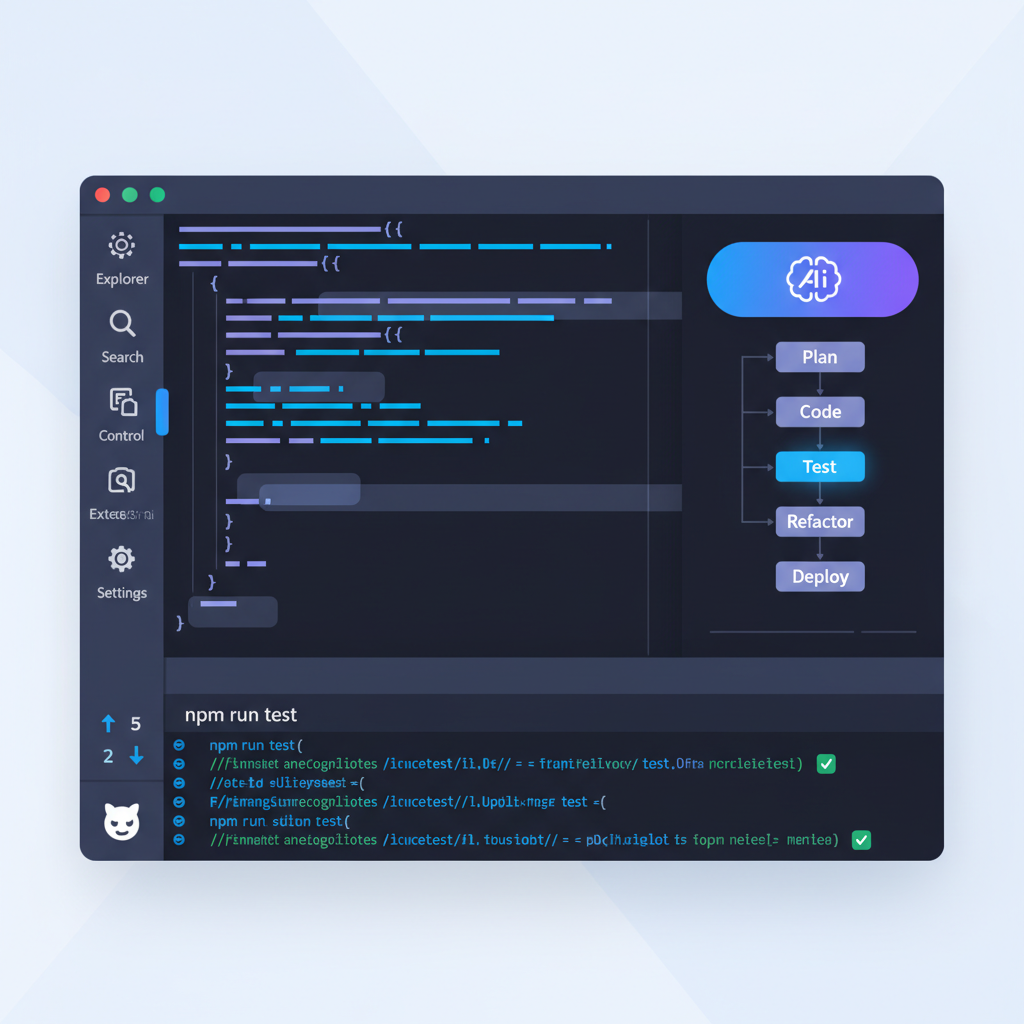
What it is: GitHub Copilot is the most widely adopted AI coding tool. Originally focused on inline completion, it has expanded in 2025-2026 with Chat, Workspace, and Agent Mode — which can autonomously make multi-file changes, run terminal commands, and iterate on errors within VS Code.
Pricing: Free tier for individuals (limited). Pro at $10/month. Business at $19/month per seat. Enterprise at $39/month per seat.
Pros
- Deep GitHub integration: Copilot is built by GitHub. It understands your repositories, pull requests, issues, and CI/CD pipelines natively. Features like Copilot for PRs (auto-generated descriptions, review suggestions) add value beyond code generation.
- Widest editor support: Copilot works in VS Code, JetBrains IDEs, Neovim, Visual Studio, and more. No other tool matches this breadth of editor integration.
- Low price point: At $10/month for Pro (and free for students, open-source maintainers, and limited individual use), Copilot is the most affordable subscription option on this list.
Cons
- Agent Mode is still catching up: Copilot's Agent Mode launched later than Cursor's Composer or Claude Code's agentic loop. While it has improved rapidly, it is not yet as capable or reliable as the best agentic tools for complex multi-file tasks.
- Model limitations: Copilot primarily uses OpenAI models and some Claude models, but you have less control over which model handles your request compared to tools like Aider or Cursor.
- Privacy concerns for enterprises: Copilot processes your code through GitHub/Microsoft servers. While business and enterprise plans offer data privacy guarantees, some organizations remain uncomfortable with sending proprietary code to external servers.
Best for: Developers who are already deep in the GitHub ecosystem and want AI coding assistance that integrates with their existing workflow at a low price. Ideal for teams using GitHub for everything from repos to CI/CD.
7. Cline
What it is: Cline is an open-source VS Code extension that brings Claude Code-style agentic capabilities into your editor. It can read files, write code, run terminal commands, browse the web, and use MCP (Model Context Protocol) servers — all within VS Code. Cline supports multiple AI providers including Claude, GPT-4, Gemini, and local models via Ollama.
Pricing: Free and open source. You pay only for the API costs of your chosen model.
Pros
- Open source in VS Code: Cline gives you the transparency of open-source tools with the convenience of a VS Code extension. You get a visual interface, inline diffs, and file tree integration without leaving your editor.
- MCP support: Cline supports the Model Context Protocol, allowing it to connect to external tools and data sources. This extensibility makes it one of the most flexible AI coding tools available.
- Multi-model with BYO key: Like Aider, Cline lets you bring your own API key and switch between providers. You are not locked into any single model or subscription.
Cons
- Can be expensive with heavy use: Because Cline sends full file contents and conversation history with every request, token costs can add up quickly. There is no built-in cost optimization or context management beyond what you manually control.
- Extension limitations: As a VS Code extension, Cline is constrained by VS Code's extension API. It cannot match the deep integration of a purpose-built IDE like Cursor.
- Steeper learning curve: Cline's configuration options (model selection, MCP servers, custom instructions) are powerful but can be overwhelming for new users. Getting the optimal setup requires experimentation.
Best for: VS Code users who want Claude Code-level agentic capability inside their editor with open-source transparency and multi-model support.
8. Lovable
What it is: Lovable (formerly GPT Engineer) is a web-based AI app builder. Describe what you want in natural language, and Lovable generates a complete, deployable web application — frontend, backend, database, and hosting included.
Pricing: Free tier with limited projects. Starter at $20/month. Pro at $50/month with more credits and features.

Pros
- Fastest path from idea to deployed app: Lovable can generate and deploy a functional web application in minutes. For prototyping, MVPs, and internal tools, this speed is unmatched.
- No coding required: Lovable is designed for people who cannot code. The natural language interface, visual preview, and one-click deployment lower the barrier to building software dramatically.
- Built-in deployment: Lovable handles hosting and deployment automatically. You do not need to configure servers, CI/CD, or infrastructure.
Cons
- Limited customization: The generated code is opinionated and difficult to modify beyond what Lovable's interface supports. Professional developers will quickly hit walls when trying to implement custom logic or non-standard architectures.
- Not for professional codebases: Lovable is designed for greenfield projects. It cannot work with existing codebases, monorepos, or complex project structures. It is a builder, not an assistant.
- Proprietary and closed: You cannot see or modify Lovable's generation logic. The code it produces is yours, but the tool itself is a black box.
Best for: Non-technical founders, designers, and product managers who want to prototype web applications quickly. Not a replacement for Claude Code in professional development workflows.
9. Replit Agent
What it is: Replit Agent is an AI coding assistant built into Replit's cloud IDE. It generates applications from prompts, debugs code, sets up databases, and configures deployments — all in the browser with no local setup.
Pricing: Free tier with limited usage. Replit Core at $25/month includes Agent access, more compute, and deployment credits.

Pros
- Zero setup: Because everything runs in the cloud, there is nothing to install, configure, or maintain locally. You open a browser, describe what you want, and start building. This is the lowest friction path to using an AI coding agent.
- Integrated deployment: Replit handles hosting, databases, secrets management, and deployment natively. You can go from prompt to live application without touching infrastructure.
- Good for learning: Replit's collaborative features, built-in tutorials, and instant feedback loop make it an excellent environment for learning to code with AI assistance.
Cons
- Cloud-only workflow: Everything runs on Replit's servers. You cannot use your local development environment, your preferred editor, or your existing toolchain. For professional developers, this is a dealbreaker.
- Performance limitations: Cloud-based development introduces latency, especially for compute-intensive tasks. Large projects can feel slow compared to local development.
- Limited language and framework support: While Replit supports many languages, the AI agent works best with web technologies (JavaScript, Python, HTML/CSS). Complex backend systems, mobile development, or niche languages are less well-supported.
Best for: Beginners, students, and developers who want the fastest possible path from idea to deployed application without managing any local infrastructure.
10. SuperBuilder
What it is: SuperBuilder is a free, open-source desktop application that wraps Claude Code in a native macOS app with a visual interface, project management, cost tracking, and a growing set of capabilities called Skills. It does not replace Claude Code — it makes Claude Code better.
This distinction matters. Every other tool on this list is a Claude Code alternative — a different agent, a different model, a different workflow. SuperBuilder is the opposite. It keeps Claude Code as the engine and adds the management layer that Claude Code lacks: a GUI for your conversations, real-time cost-per-message tracking, a project switcher, a file palette, persistent drive storage, and extensible MCP-based skills.
Pricing: Free and open source. You pay only for your existing Anthropic API usage (the same Claude Code costs you already have).

Why SuperBuilder Is Different
SuperBuilder is not competing with Claude Code. It is built on top of it. Here is what that means in practice:
- You keep Claude Code: SuperBuilder spawns Claude Code under the hood via node-pty. Every interaction uses the real Claude Code CLI. You get the same model, the same capabilities, and the same results.
- You gain visibility: Every message shows its token count and USD cost in real time. You can see exactly how much each conversation costs, set alerts for expensive calls, and track spending across projects.
- You gain a GUI: Conversations are displayed in a clean interface with markdown rendering, syntax highlighting, and visual diffs. No more scrolling through terminal output to find the code change you need.
- You gain project management: Switch between projects, manage threads, and keep your work organized. Claude Code in the terminal is stateless between sessions — SuperBuilder gives it persistent context.
- You gain Skills: SuperBuilder's Skills system uses MCP to extend Claude Code with capabilities it does not have natively — web browsing, image generation, database queries, and more.
Pros
- Free and open source: No subscription, no usage limits beyond your existing API costs. The entire codebase is on GitHub. You can inspect it, modify it, and contribute.
- Real-time cost tracking: See the exact USD cost of every message as it streams in. Set alerts for expensive calls. This alone can save you hundreds of dollars per month by making spending visible.
- Enhances rather than replaces: You do not have to learn a new tool or change your workflow. If you already use Claude Code, SuperBuilder adds a management layer on top with zero disruption. Your prompts, your model, your existing setup — all preserved.
Cons
- macOS only (for now): SuperBuilder currently runs only on macOS. Windows and Linux support is planned but not yet available.
- Requires Claude Code: SuperBuilder depends on Claude Code being installed. It is not a standalone AI coding agent — it is a wrapper and enhancement layer. If you want to use GPT-4 or Gemini, you need a different tool.
- Early stage: SuperBuilder is under active development. Some features are rough around the edges, and the release cadence is fast. Expect occasional bugs and breaking changes.
Best for: Developers who already use Claude Code and want better visibility, project management, and extensibility without switching to a different agent. If your main pain points with Claude Code are cost tracking, GUI, and organization — not the underlying AI — SuperBuilder is what you need.
Try SuperBuilder for free at superbuilder.sh
How to Choose the Right Claude Code Alternative
With ten options on the table, the decision comes down to your priorities. Here is a framework for narrowing it down:
If you want a full IDE replacement
Go with Cursor or Windsurf. Both replace VS Code with an AI-native editor. Cursor is more polished and has a larger community. Windsurf is cheaper and improving fast. If budget matters, start with Windsurf. If you want the most refined experience, choose Cursor.
If you want to stay in the terminal
Aider and Codex CLI are the two strongest options. Aider supports more models and has a larger community. Codex CLI is better if you specifically want OpenAI models. Both are free and open source — you only pay for API usage.
If you want fully autonomous delegation
Devin is the only tool designed for fire-and-forget task delegation. It is expensive and imperfect, but for well-defined tasks, it can save time. Be realistic about its limitations and do not expect it to handle complex architectural decisions.
If you are not a developer
Lovable and Replit Agent are designed for non-technical users or developers who want the fastest possible prototype. Lovable is better for web apps. Replit is better for learning and experimentation.
If you want to stay in VS Code
Cline and GitHub Copilot both work as VS Code extensions. Cline is open source and more capable for agentic tasks. Copilot is cheaper, more widely supported, and better integrated with the GitHub ecosystem.
If you already use Claude Code and love it
SuperBuilder is the answer. It does not ask you to change anything about your workflow. It wraps Claude Code in a desktop app that adds cost tracking, a GUI, project management, and MCP-based skills. Think of it as Claude Code with a control panel.
Frequently Asked Questions
Is there a free alternative to Claude Code?
Yes. Aider, Codex CLI, Cline, and SuperBuilder are all free and open source. You pay only for model API usage — the tools themselves cost nothing. GitHub Copilot also has a free tier.
Which Claude Code alternative supports the most AI models?
Aider supports the widest range — Claude, GPT-4, Gemini, Llama, DeepSeek, Mistral, and more through LiteLLM and Ollama. Cline is a close second with broad provider support inside VS Code.
Can I use Claude Code alternatives with local models?
Yes. Aider and Cline both support local models via Ollama, LM Studio, or any OpenAI-compatible API. Quality varies by model — local models produce worse results than Claude or GPT-4 for complex tasks, but they are free and private.
What is the cheapest way to use an AI coding agent?
Use a free tool (Aider, Cline, Codex CLI, or SuperBuilder) with a cost-effective model. Claude 3.5 Haiku or GPT-4o Mini are cheap for routine edits. Claude Sonnet or GPT-4o offer the best quality-to-cost ratio for complex tasks. SuperBuilder's real-time cost tracking helps optimize spending by making per-message costs visible.
Is Claude Code still worth using in 2026?
Absolutely. Claude Code remains one of the most capable agentic coding tools available. The main limitations are cost visibility, GUI, and model lock-in — all addressable with complementary tools like SuperBuilder.
Final Verdict
Claude Code set the standard for terminal-based agentic coding. Every tool on this list either competes with it or builds on the paradigm it established.
To replace Claude Code entirely: Cursor for a full IDE, Aider for terminal with multi-model support, GitHub Copilot for the most affordable option.
To make Claude Code better without replacing it: SuperBuilder is purpose-built for that. Free, open source, and adds the visibility layer Claude Code has always lacked.
Download SuperBuilder for free and see what Claude Code looks like with a proper command center.
Last updated: April 5, 2026. Pricing and features reflect the latest publicly available information. We update this guide as tools evolve.
