The Best AI Coding Tools in 2026: A Developer's Honest Guide
The AI coding tools landscape in 2026 looks nothing like it did even a year ago. What started as glorified autocomplete has evolved into full-blown coding agents that can plan, execute, debug, and ship entire features with minimal human intervention. The question is no longer "should I use AI for coding?" — it's "which AI coding tool fits my workflow?"
We tested over 15 tools across real projects — not toy demos — to put together this guide. Whether you live in an IDE, prefer the terminal, or want a desktop app that wraps everything together, there's a tool here for you.
This guide covers the best AI coding tools in 2026 organized by category, with honest assessments of what each tool does well and where it falls short.
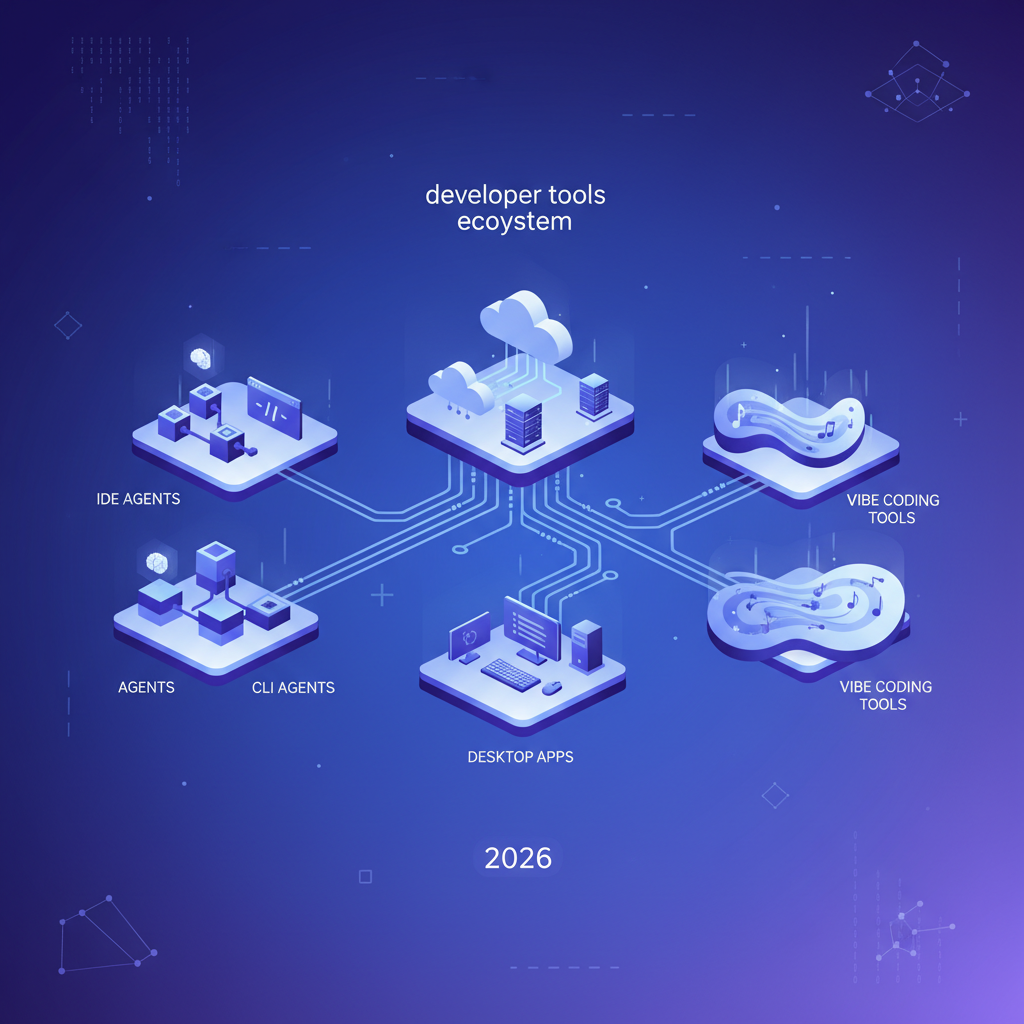
Table of Contents
- How We Evaluated
- Master Comparison Table
- IDE Agents
- CLI Agents
- Cloud Agents
- Desktop Apps
- Vibe Coding Tools
- How to Choose the Right Tool
- Final Thoughts
How We Evaluated
Every tool was tested against five criteria:
- Code quality — Does it produce clean, maintainable code or spaghetti that passes tests?
- Context awareness — How well does it understand your codebase, not just the current file?
- Workflow integration — Does it fit into how developers actually work, or does it impose its own flow?
- Reliability — Can you trust it with non-trivial tasks, or does it hallucinate APIs and invent packages?
- Cost efficiency — What do you actually pay per month of real usage?
We used each tool on a mid-size TypeScript monorepo (~50k lines), a Python ML pipeline, and a Go microservice to keep the comparisons fair.
Master Comparison Table
| Tool | Category | Model(s) | Pricing | Best For | File Editing | Terminal Access |
|---|---|---|---|---|---|---|
| Cursor | IDE Agent | Claude, GPT-4o, custom | $20/mo Pro | Full-time IDE users | Yes | Yes |
| Windsurf | IDE Agent | Claude, GPT-4o | $15/mo Pro | Cascading multi-file edits | Yes | Yes |
| GitHub Copilot | IDE Agent | GPT-4o, Claude | $10-39/mo | VS Code loyalists | Yes (Agent mode) | Yes |
| Cline | IDE Agent | Any (BYOK) | Free (open source) | Privacy-conscious devs | Yes | Yes |
| Claude Code | CLI Agent | Claude Opus/Sonnet | API usage | Terminal-first developers | Yes | Native |
| Aider | CLI Agent | Any (BYOK) | Free (open source) | Git-integrated editing | Yes | Native |
| Codex CLI | CLI Agent | OpenAI models | API usage | OpenAI ecosystem users | Yes | Native |
| Devin | Cloud Agent | Proprietary | $500/mo | Delegating full tasks | Yes | Sandboxed |
| Replit Agent | Cloud Agent | Proprietary | $25/mo Replit Core | Prototyping to deploy | Yes | Browser-based |
| SuperBuilder | Desktop App | Claude (via Claude Code) | Free | Desktop-first workflow | Yes | Built-in |
| Claude Desktop | Desktop App | Claude | Pro $20/mo | Chat-first coding | Limited | No |
| Lovable | Vibe Coding | Multiple | $20/mo Starter | Non-technical founders | Yes | No |
| Bolt | Vibe Coding | Multiple | $20/mo Pro | Quick full-stack prototypes | Yes | Browser |
| v0 | Vibe Coding | Proprietary | $20/mo Premium | UI component generation | Yes | No |
IDE Agents
IDE agents live inside your editor. They see your files, understand your project structure, and can edit code in place. If you already spend your day in VS Code or a similar editor, these tools meet you where you are.
1. Cursor
Cursor has cemented itself as the most popular AI-first IDE in 2026, and for good reason. Built as a fork of VS Code, it feels immediately familiar while adding deeply integrated AI capabilities. The Composer feature lets you describe multi-file changes in natural language, and Cursor will plan and execute edits across your codebase. Tab completion is eerily good — it predicts not just the next line but the next logical block of code based on what you're building. The agent mode introduced in late 2025 has matured significantly, capable of running terminal commands, installing dependencies, and iterating on errors autonomously.
Pricing: Free tier (limited completions), Pro $20/mo (500 fast requests), Business $40/mo/seat.
Best for: Developers who want an all-in-one AI IDE experience and don't mind switching from vanilla VS Code.
Limitation: The VS Code fork means you're locked into their release cycle. Extensions occasionally break, and you can't always use the latest VS Code features on day one. The Pro tier's request limits can feel constraining during heavy coding sessions.
2. Windsurf (formerly Codeium)
Windsurf rebranded from Codeium and launched a full AI IDE that focuses heavily on what they call "Cascades" — multi-step, multi-file agentic workflows. Where Cursor feels like an enhanced editor, Windsurf feels more like a pair programmer that thinks ahead. Cascades can chain together file reads, edits, terminal commands, and browser checks into a single coherent flow. The tool is particularly strong at understanding large codebases because of its indexing approach, which builds a semantic map of your project.
Pricing: Free tier (generous), Pro $15/mo, Teams $30/mo/seat.
Best for: Developers working on large, interconnected codebases where changes ripple across many files.
Limitation: Cascades can sometimes be overly ambitious, making changes you didn't ask for. The "flow" model means less granular control compared to Cursor's more request-response pattern. Also, being newer than Cursor means a smaller community and fewer shared tips.
3. GitHub Copilot
GitHub Copilot in 2026 is a different beast from the autocomplete tool that launched in 2022. Agent mode, now generally available, can handle multi-file tasks, run tests, and iterate until things pass. The deep GitHub integration is its killer feature — it understands your PRs, issues, and CI pipeline in ways no other tool can match. Copilot Chat in VS Code has become genuinely useful for explaining code, and the new workspace-level context means it understands your entire repo, not just the open file.
Pricing: Free tier (2,000 completions/mo), Pro $10/mo, Business $19/mo/seat, Enterprise $39/mo/seat.
Best for: Teams already deep in the GitHub ecosystem who want tight integration with issues, PRs, and Actions.
Limitation: Agent mode is still catching up to Cursor and Windsurf in terms of autonomy and reliability. The free tier is genuinely useful but rate-limited enough to frustrate power users. Model choice is more limited than Cursor's flexibility.
4. Cline
Cline is the open-source wildcard in the IDE agent space. It runs as a VS Code extension and supports virtually any LLM provider — OpenAI, Anthropic, local models via Ollama, even custom endpoints. The "human-in-the-loop" design philosophy means Cline always asks before making changes, which some developers love and others find tedious. What makes Cline special is transparency: you see exactly what the agent is doing, what tools it's calling, and what it's spending. The MCP (Model Context Protocol) integration is first-class, letting you extend Cline with custom tools.
Pricing: Free and open source. You pay only for the LLM API usage.
Best for: Developers who want full control over their AI tooling, prefer open source, or need to use specific models (including local ones).
Limitation: BYOK (bring your own key) means you need to manage API costs yourself, which can be unpredictable. Setup is more involved than plug-and-play tools. Performance depends heavily on which model you choose — cheap models give cheap results.
CLI Agents
CLI agents run in your terminal. No GUI, no IDE required. They read your files, make edits, run commands, and interact with you through text. If you're a terminal-native developer, these tools feel like a natural extension of your workflow.
5. Claude Code
docs.anthropic.com/claude-code
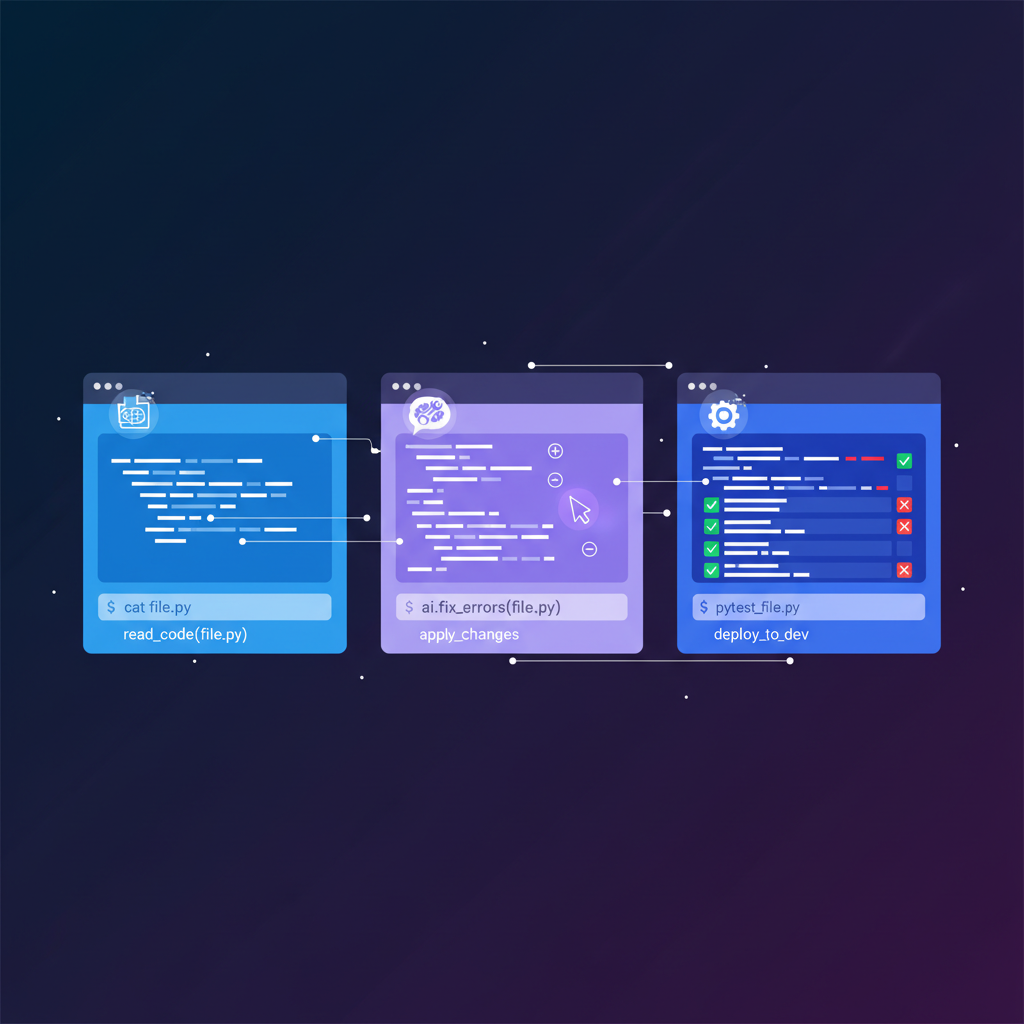
Claude Code is Anthropic's official CLI agent and arguably the most capable terminal-based coding tool available in 2026. It runs as an interactive REPL in your terminal, with full access to your filesystem and shell. What sets it apart is the combination of Claude's reasoning ability with genuine agentic behavior — it can explore your codebase, form a plan, execute multi-step changes, run tests, and iterate on failures without hand-holding. The stream-json output format makes it easy to integrate into other tools and pipelines. Context windows are massive, and the tool genuinely understands complex codebases.
Pricing: API usage (Claude Pro/Max subscription or direct API billing). Typically $20-100/mo depending on usage intensity.
Best for: Terminal-first developers who want the most capable AI reasoning applied to coding tasks.
Limitation: No GUI means the learning curve is steeper for visual thinkers. API costs can spike during intensive sessions. The tool is powerful enough that it occasionally makes sweeping changes you need to review carefully.
6. Aider
Aider is an open-source CLI coding assistant that has quietly built one of the most loyal followings in the AI coding space. Its defining feature is deep git integration — every change Aider makes is automatically committed with a descriptive message, making it trivial to review and revert. The /architect mode separates planning from execution, using a stronger model for design and a faster model for implementation. Aider supports virtually every LLM provider and has an impressive benchmark suite that it uses to continuously test and improve code editing performance.
Pricing: Free and open source. API costs vary by model choice.
Best for: Developers who want clean git history, transparent diffs, and the flexibility to use any model.
Limitation: The text-based UI can feel clunky compared to richer interfaces. Multi-file edits sometimes require explicit file management (adding files to the chat context). No built-in terminal command execution in the same way Claude Code handles it.
7. Codex CLI
OpenAI's Codex CLI is the company's answer to Claude Code — a terminal agent that can read, write, and execute code. It leverages OpenAI's latest models and has a sandboxed execution mode that prevents the agent from making destructive changes without approval. The tool integrates with the OpenAI platform, so if you're already using their API for other purposes, it fits naturally into your billing and workflow. The Full Auto mode gives the agent broad permissions to iterate autonomously, while Suggest mode keeps you in control of every change.
Pricing: API usage via OpenAI. Typically $15-80/mo depending on usage.
Best for: Developers already invested in the OpenAI ecosystem who want a terminal-first coding agent.
Limitation: Newer and less battle-tested than Claude Code or Aider. The sandboxing, while safe, can slow down workflows when you trust the agent. Model reasoning quality depends on which OpenAI model you route to — not all are equally capable at code.
Cloud Agents
Cloud agents run on remote infrastructure. You give them a task and come back later. They have their own environments, can browse the web, and operate with more autonomy than local tools. The tradeoff is less control and higher cost.

8. Devin
Devin made headlines as the "first AI software engineer" and has been iterating rapidly since its public launch. In 2026, Devin operates as a remote team member — you assign it tasks through Slack or its web interface, and it works in a sandboxed cloud environment with its own browser, terminal, and editor. It can handle entire tickets: read a GitHub issue, explore the codebase, write code, run tests, and submit a PR. For well-scoped tasks like bug fixes, dependency upgrades, and small features, Devin can genuinely save hours.
Pricing: $500/mo (Team), custom Enterprise pricing.
Best for: Teams with a backlog of well-defined tickets who want to delegate routine work to an autonomous agent.
Limitation: The $500/month price tag is steep, and Devin still struggles with ambiguous requirements or tasks that need deep architectural understanding. The feedback loop is slower than local tools — you submit a task and wait, rather than iterating in real time. Code quality varies and always needs human review.
9. Replit Agent
Replit Agent is the most accessible AI coding tool on this list. It lives inside Replit's browser-based IDE, which means zero local setup — you describe what you want to build, and the agent scaffolds, codes, and deploys it. The tight integration with Replit's hosting and database infrastructure means you can go from idea to live URL in minutes. For prototyping and internal tools, it's remarkably effective. The agent understands common web frameworks and can set up authentication, databases, and API integrations with natural language instructions.
Pricing: Included with Replit Core ($25/mo) or Teams plans.
Best for: Rapid prototyping, hackathons, internal tools, and developers who prefer a browser-based workflow.
Limitation: You're locked into Replit's infrastructure. Exporting projects to run elsewhere is possible but loses the seamless integration. The agent works best with standard web stacks and can struggle with unusual frameworks or complex architectures. Performance and uptime depend on Replit's cloud.
Desktop Apps
Desktop apps provide a native application experience for AI coding. They bridge the gap between CLI tools and full IDEs, offering rich interfaces without requiring you to switch editors.
10. SuperBuilder — Our Pick for Desktop AI Coding
Our Pick: SuperBuilder earns our recommendation in the Desktop Apps category for combining Claude Code's powerful CLI agent with a polished native interface that doesn't get in the way.
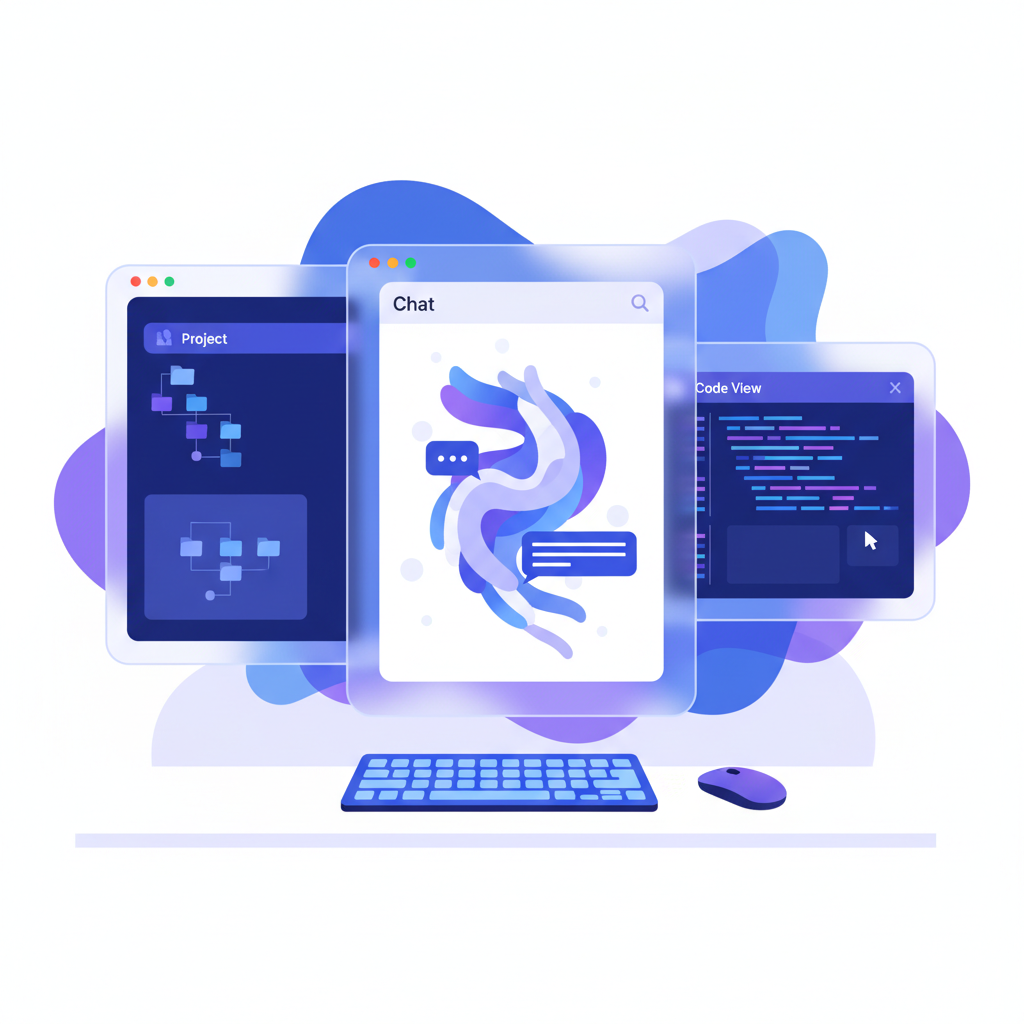
SuperBuilder is a native macOS desktop app that wraps Claude Code's CLI agent in a clean, purpose-built interface. Rather than trying to be another IDE, it focuses on being the best way to interact with an AI coding agent. You get a rich conversation view with syntax-highlighted code blocks, a built-in terminal pane that shows exactly what the agent is doing, and project management features that keep multi-project workflows organized. The prompt editor supports execution modes — normal, plan, verify, debug, and ask — letting you control how the agent approaches each task.
What makes SuperBuilder stand out is the attention to developer workflow details. The file indexer lets you reference project files with Cmd+P. Drive integration gives your agent access to design assets and reference materials. The debug mode captures structured logs tied to specific hypotheses, so when something breaks, you have a clear trail. Skills extend the agent with web browsing and image generation capabilities via MCP servers.
The app is built on Electron with React and TypeScript, and it leverages Claude Code's stream-json output format for real-time streaming of agent responses. It's not trying to replace your editor — it's a dedicated command center for your AI coding agent.
Pricing: Free.
Best for: Developers who use Claude Code and want a native desktop experience with project management, file access, and a polished UI on top of the CLI.
Limitation: macOS only as of April 2026 (Windows and Linux support is planned). Requires a Claude API subscription or Anthropic API key since it runs Claude Code under the hood. The tool is early — some features are still maturing.
11. Claude Desktop
Claude Desktop is Anthropic's official chat application with MCP (Model Context Protocol) support. While not strictly a coding tool, many developers use it as their primary AI interface for code-related conversations. MCP lets Claude Desktop connect to local tools — your filesystem, databases, GitHub, and custom servers — turning it into a surprisingly capable coding assistant. The Artifacts feature renders live previews of HTML, React components, and SVGs right in the chat.
Pricing: Free (Sonnet), Pro $20/mo (Opus access, higher limits), Max $100/mo (highest limits).
Best for: Developers who prefer a chat-first interface and want Claude's reasoning for code review, planning, and exploration rather than direct code editing.
Limitation: Not designed for direct file editing or running terminal commands in your project. MCP bridges some of this gap, but it's still fundamentally a chat tool, not a coding agent. You'll find yourself copying code between Claude Desktop and your editor.
Vibe Coding Tools
Vibe coding tools let you describe what you want in natural language and generate complete, deployed applications. They're optimized for speed over control — perfect for MVPs, landing pages, and prototypes where getting something live fast matters more than architectural purity.

12. Lovable
Lovable (formerly GPT Engineer) has found its niche as the go-to vibe coding tool for non-technical founders and indie hackers. You describe your app in natural language, and Lovable generates a full-stack application with a UI, backend, and database. The output is clean React + Supabase code that you can export and customize. The real magic is the iterative refinement — you can click on any element in the preview and describe what you want to change, and Lovable updates the code accordingly. Integration with Supabase means authentication, databases, and storage work out of the box.
Pricing: Free tier (limited), Starter $20/mo, Launch $50/mo, Scale $100/mo.
Best for: Non-technical founders building MVPs, indie hackers validating ideas, and designers who want functional prototypes.
Limitation: The generated code follows Lovable's patterns, which may not match your team's conventions. Complex business logic and custom backends quickly outgrow what the tool can handle. You'll eventually need a "real" developer to take over.
13. Bolt (by StackBlitz)
Bolt runs full-stack applications entirely in the browser using WebContainers — StackBlitz's technology for running Node.js in the browser. This means the AI can generate code, install npm packages, run dev servers, and show you a live preview without any cloud sandboxing. The speed is remarkable: you go from prompt to running app in seconds, not minutes. Bolt supports a wide range of frameworks including Next.js, Remix, Astro, and vanilla setups. The ability to fork and share projects makes it great for quick demos and proof-of-concepts.
Pricing: Free tier (limited), Pro $20/mo (unlimited projects), Teams $30/mo/seat.
Best for: Quick full-stack prototypes, framework experimentation, and situations where you need a running app fast.
Limitation: WebContainers have limitations — not everything that runs on Node.js runs in the browser sandbox. Complex backend setups, native dependencies, and non-JavaScript backends aren't supported. The AI-generated code prioritizes "working" over "well-architected."
14. v0
v0 by Vercel is the most design-focused AI coding tool on this list. It excels at generating polished UI components using React, Tailwind CSS, and shadcn/ui. Where other tools generate functional but ugly interfaces, v0 produces components that look like they were designed by a competent UI engineer. The latest version can generate full pages and multi-page apps, with built-in support for Next.js routing, server components, and API routes. The integration with Vercel's deployment platform means one-click deploys are instant.
Pricing: Free tier (limited), Premium $20/mo, Teams $30/mo/seat.
Best for: Frontend developers who need polished UI components fast, and teams that want design-quality output from AI.
Limitation: Heavily skewed toward the React + Tailwind + Next.js stack. If you're using Vue, Svelte, or vanilla CSS, the output requires significant adaptation. Backend generation is improving but still basic compared to full-stack tools like Bolt or Lovable.
Honorable Mentions
A few more tools worth knowing about:
15. Continue
An open-source VS Code and JetBrains extension that's similar to Cline but with a different philosophy. Continue focuses on customizable AI workflows — you can define your own slash commands, context providers, and model configurations. Great for teams that want to standardize AI-assisted development across their organization.
16. Tabnine
Tabnine has pivoted hard toward enterprise with on-premise deployment options and code privacy guarantees. If your company can't send code to external APIs, Tabnine is one of the few options that runs entirely within your infrastructure.
17. Amazon Q Developer
Amazon's AI coding assistant is surprisingly capable, especially for AWS-centric development. The /transform command for upgrading Java codebases between versions is genuinely useful. Free for individual use with an AWS account.
18. Sourcegraph Cody
Cody's strength is codebase-wide context. It indexes your entire repository (and connected repos) to give the most contextually relevant answers. If you work on a large monorepo, Cody's understanding of cross-file relationships is hard to beat.
How to Choose the Right Tool
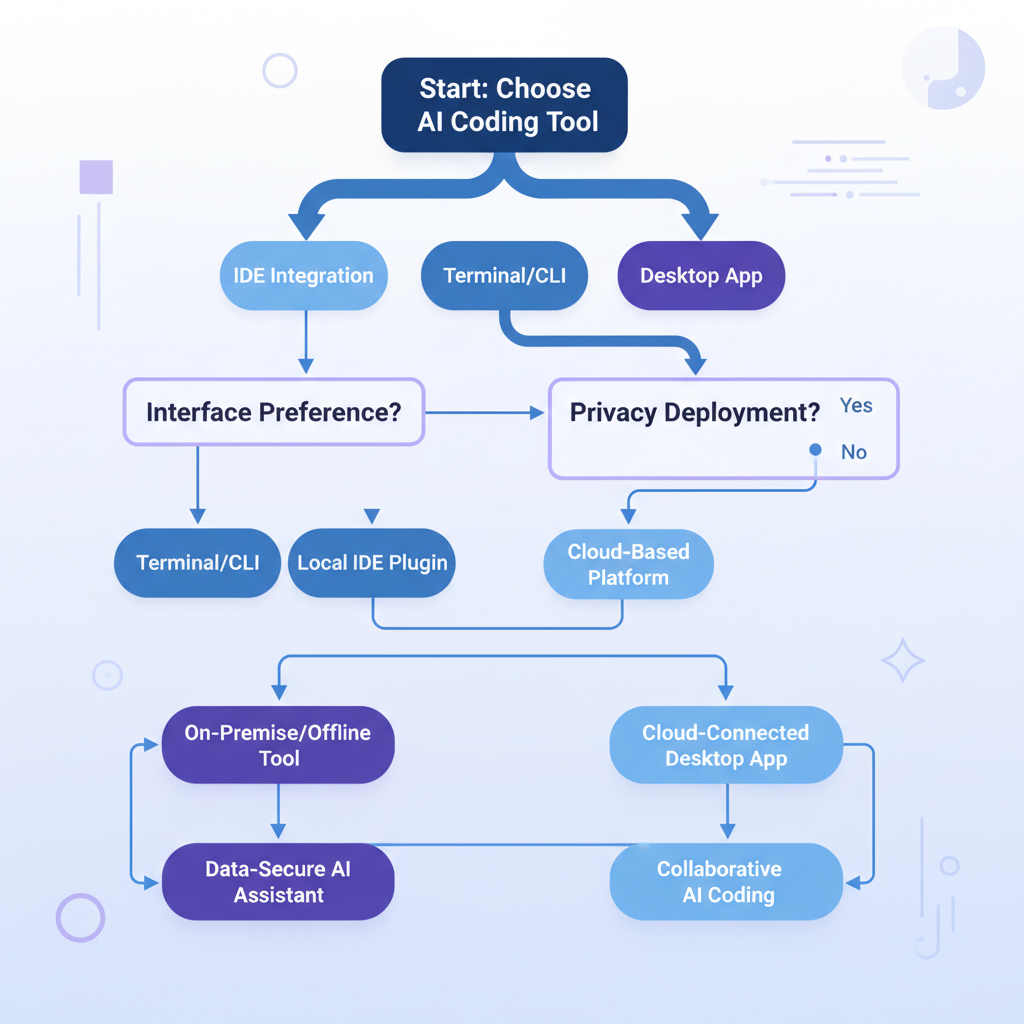
The best AI coding tool depends on how you work, not on which one topped the latest benchmark. Here's a framework:
You should use an IDE Agent if...
- You spend most of your day in an editor
- You want AI integrated into your existing workflow
- You prefer incremental assistance (autocomplete, inline edits) alongside agentic features
- Pick Cursor if you want the most mature all-in-one experience
- Pick Copilot if your team is deep in the GitHub ecosystem
- Pick Cline if you want open source and model flexibility
You should use a CLI Agent if...
- You're comfortable in the terminal
- You want the AI to have full system access (filesystem, shell, git)
- You work on complex tasks that require multi-step reasoning
- Pick Claude Code if you want the best reasoning and agentic capability
- Pick Aider if you want clean git integration and open-source flexibility
- Pick Codex CLI if you're invested in the OpenAI ecosystem
You should use a Cloud Agent if...
- You want to delegate entire tasks and come back to a finished PR
- Your team has a backlog of well-scoped tickets
- Pick Devin if budget isn't a concern and you want the most autonomous agent
- Pick Replit Agent if you want fast prototyping with built-in deployment
You should use a Desktop App if...
- You want a native app experience for AI coding
- You prefer a dedicated tool rather than an extension in your editor
- You use Claude Code but want a richer interface
- Pick SuperBuilder if you want a free, polished desktop experience built around Claude Code
- Pick Claude Desktop if you prefer chat-first interaction with MCP extensibility
You should use a Vibe Coding Tool if...
- You're building an MVP or prototype
- You want to go from idea to deployed app as fast as possible
- You're non-technical or prefer visual, iterative development
- Pick Lovable if you want the most guided, beginner-friendly experience
- Pick Bolt if you want full-stack apps running in the browser instantly
- Pick v0 if design quality is your top priority
Pricing Comparison: What You'll Actually Pay
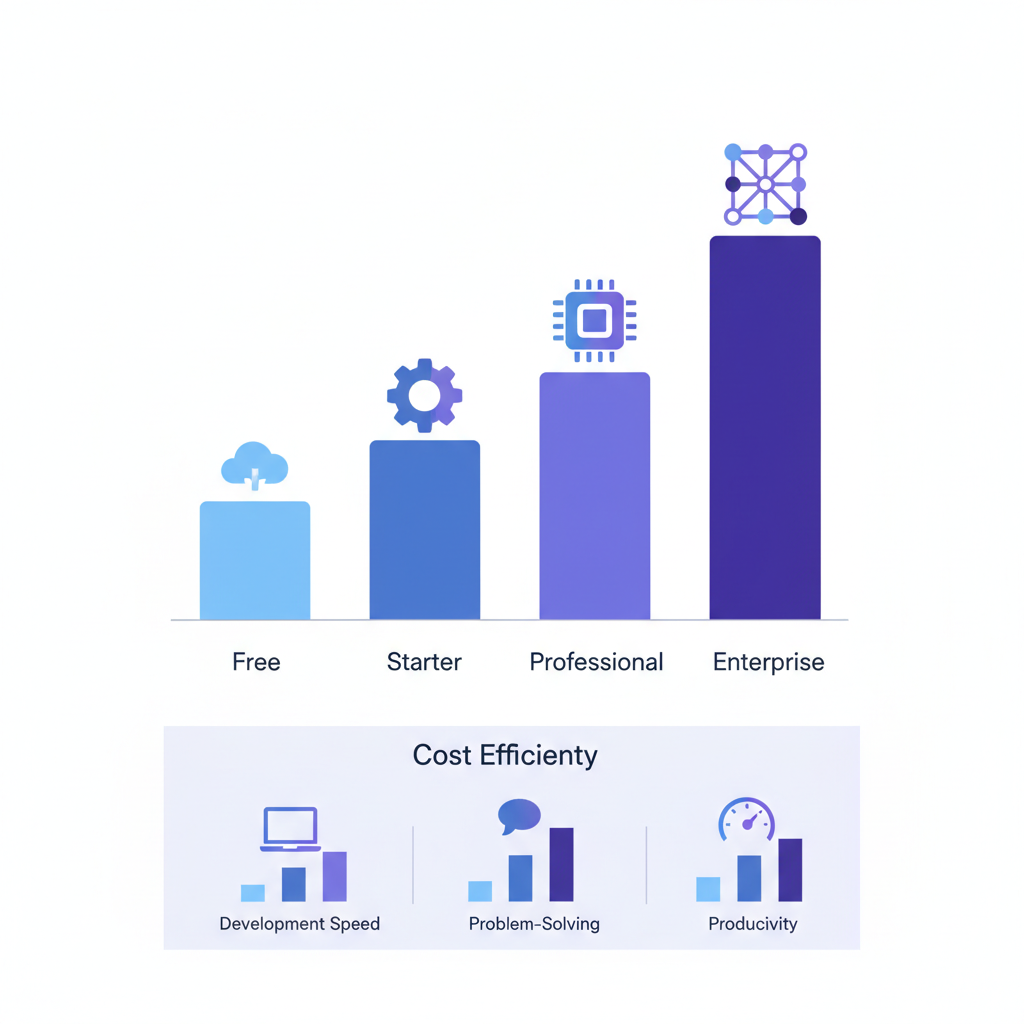
Let's be real about costs. The advertised pricing rarely tells the full story.
| Tier | Tools | Monthly Cost | What You Get |
|---|---|---|---|
| Free | Cline, Aider, SuperBuilder, Copilot Free | $0 + API costs | Full functionality, you manage API keys |
| Budget | Copilot Pro, v0, Lovable, Bolt | $10-20/mo | Good for moderate daily use |
| Standard | Cursor Pro, Windsurf Pro, Replit Core | $15-25/mo | Solid daily driver experience |
| Power User | Claude Pro + Claude Code / SuperBuilder | $20-100/mo | Heavy usage, best reasoning quality |
| Team | Copilot Business, Cursor Business, Devin | $40-500/mo/seat | Team features, admin controls |
The tools with flat monthly pricing (Cursor, Copilot, Windsurf) are more predictable. API-based tools (Claude Code, Aider, Cline, Codex CLI) can be cheaper for light use or more expensive for heavy use. SuperBuilder is free as a client — you only pay for the underlying Claude API usage.
Trends Shaping AI Coding Tools in 2026
A few patterns are worth calling out as you make your choice:
MCP is becoming the standard. Model Context Protocol, introduced by Anthropic, is rapidly becoming the lingua franca for connecting AI tools to external services. Tools that support MCP (Claude Code, Claude Desktop, Cline, SuperBuilder) can be extended with custom integrations far more easily than closed ecosystems.
Agent mode is table stakes. Every major tool now has some form of autonomous agent capability. The differentiation has shifted from "can it act autonomously?" to "how well does it reason about complex tasks?"
Local models are getting viable. Tools like Cline and Aider that support local models are becoming more attractive as open-weight models close the gap with proprietary ones. For sensitive codebases, this matters.
The IDE vs. terminal debate is dissolving. Desktop apps like SuperBuilder and IDE-native agents like Cursor are blurring the line. The real question is which interaction model — chat, inline edits, terminal commands, or some combination — best fits your thinking style.
Final Thoughts
There's no single "best AI coding tool" in 2026 — there's the best tool for how you work. A terminal purist will be miserable in a vibe coding tool, and a startup founder validating an idea doesn't need to learn CLI commands.
What we can say with confidence:
- For most professional developers, Cursor or Claude Code (optionally via SuperBuilder) will be the highest-impact choices. They offer the best balance of capability, control, and reliability.
- For teams, GitHub Copilot's ecosystem integration is hard to beat, even if individual tools are more powerful.
- For rapid prototyping, Bolt and Lovable have made it genuinely possible to go from idea to deployed app in an afternoon.
- For budget-conscious developers, the open-source combination of Cline or Aider with a capable API model gives you 90% of the paid tools' functionality.
The tools are moving fast. What's true today may shift in six months. The best strategy is to pick one primary tool that matches your workflow, learn it deeply, and stay curious about what else is out there.
Try SuperBuilder
If you're a developer who uses Claude Code and wants a better experience on top of it, give SuperBuilder a try. It's free, it's native, and it's built by developers who use AI coding tools every day.
Download SuperBuilder for macOS — Free, no account required.