Why AI Coding Agents Are Moving to Desktop Apps (And What It Means)
Something interesting is happening in AI-assisted development. After years of AI coding tools living inside text editors as plugins, extensions, and sidebars, a new generation of tools is breaking free. Standalone desktop applications purpose-built for AI coding agents are emerging as a distinct category — and the shift is accelerating.
This is not a cosmetic change. It reflects a fundamental evolution in how developers interact with AI coding agents and what those agents are capable of doing. The plugin model that dominated 2023 and 2024 is hitting architectural limits. Desktop apps are the response.
This article traces the evolution from autocomplete plugins to standalone desktop apps, examines why the shift is happening now, surveys the current landscape, and explores what this means for developers choosing their tools in 2026 and beyond.
The Evolution: How We Got Here
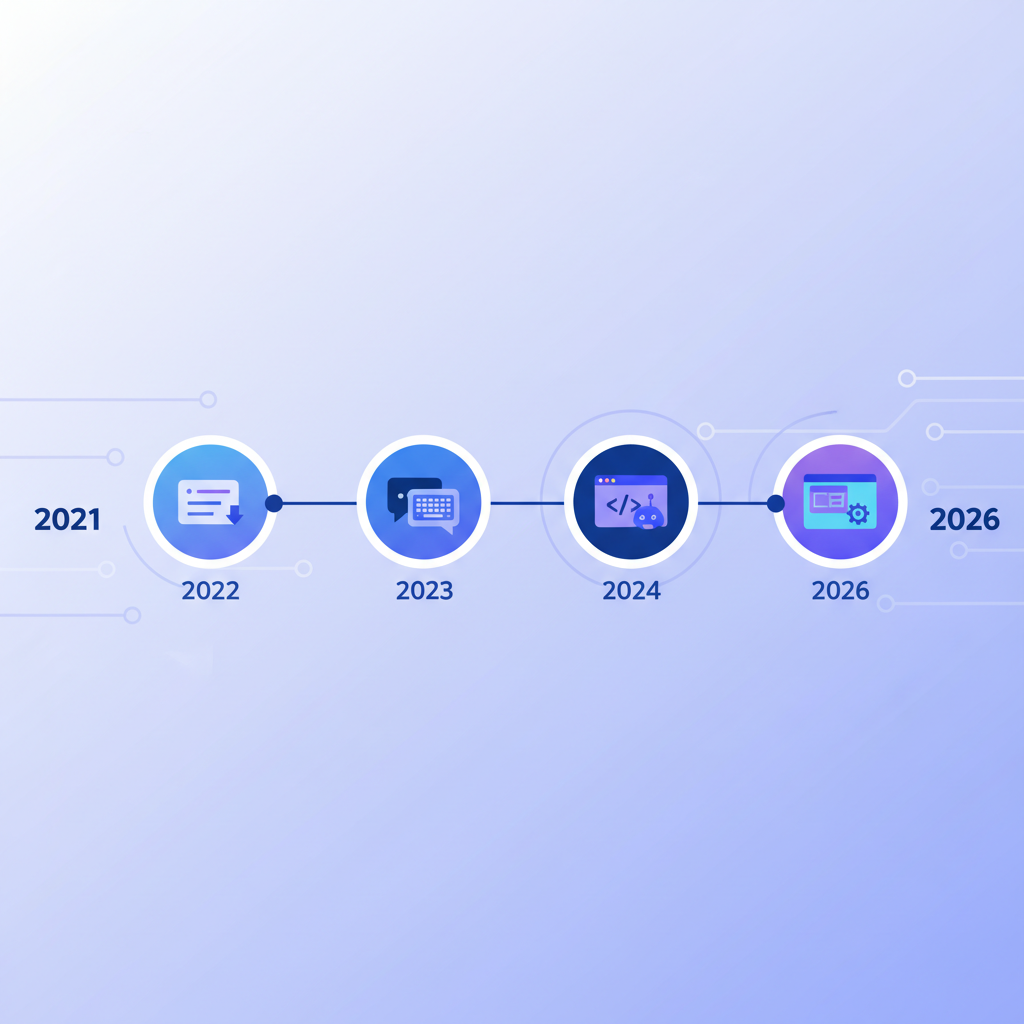
To understand why AI coding agents are moving to desktop apps, it helps to trace the path that brought us to this point. Each stage solved a real problem — and created the conditions for the next stage to emerge.
Stage 1: Autocomplete Plugins (2021-2023)
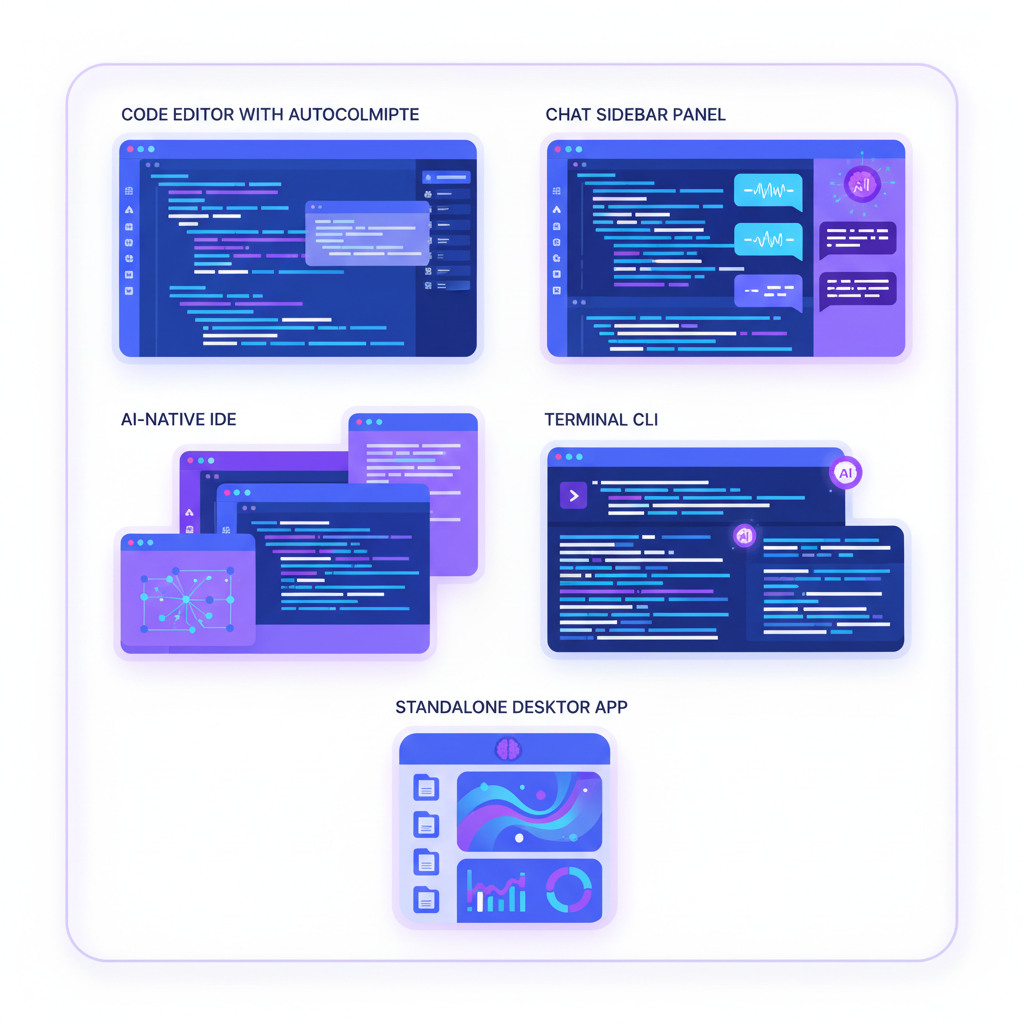
The first wave of AI coding tools were autocomplete engines embedded in existing editors. GitHub Copilot, launched in 2021, set the template: a VS Code extension that predicted the next few lines of code as you typed. Tabnine, Codeium, and others followed the same model.
These tools were deliberately minimal. They lived in the background, triggered by keystrokes, and produced short completions. The interaction model was simple — you type, the AI suggests, you accept or reject. No conversation. No multi-file awareness. No ability to run commands or read error output.
The plugin approach made sense at this stage because the AI capabilities were narrow. A code completion engine does not need its own window. It needs access to the current file and a fast inference endpoint. The editor extension model provided exactly that.
Stage 2: Chat Sidebars (2023-2024)
As language models grew more capable, developers wanted more than autocomplete. They wanted to ask questions, request explanations, and have the AI generate entire functions. The chat sidebar emerged as the natural response.
Tools like GitHub Copilot Chat, Codeium Chat, and JetBrains AI Assistant added conversation panels alongside the editor. You could highlight code, ask "what does this do," and get an explanation. You could describe a function and get a first draft.
But the sidebar model had constraints. The AI could see the current file but had limited awareness of the broader codebase. It could suggest code but could not apply changes across multiple files. It could not run your test suite, read terminal output, or iterate on errors. The conversation was disconnected from the actual development workflow — you talked to the AI in one panel and did the real work in another.
Stage 3: AI-Native IDEs (2024-2025)
Cursor changed the conversation. Instead of adding AI to an existing editor, Cursor built an editor around AI. It forked VS Code and deeply integrated AI capabilities into the editing experience — multi-file edits, codebase-wide context, inline diffs, and an agent mode that could chain multiple actions together.
Windsurf (formerly Codeium) followed a similar path, and other AI-native editors emerged. The thesis was compelling: if AI is the primary way developers write code, the entire editor should be designed for that interaction.
This stage proved something important. Developers were willing to switch editors for a better AI experience. The convenience of staying in a familiar IDE mattered less than the quality of the AI integration. That willingness to change tools opened the door for even more radical departures from the traditional editor model.
Stage 4: CLI Agents (2025)
Then came the terminal-first agents. Anthropic's Claude Code, launched in early 2025, took a radically different approach. Instead of living inside an editor, it ran in the terminal. Instead of suggesting code in a sidebar, it directly read files, wrote files, ran commands, and iterated on errors — all through a streaming CLI interface.
The CLI model had significant advantages. It was editor-agnostic. It could work with any language, any framework, any project structure. It had deep access to the development environment — file system, terminal, package managers, test runners, build tools. And because it ran as a standalone process, it was not constrained by the extension APIs and sandboxing of any particular editor.
But the CLI model also revealed new problems. Managing multiple agents in separate terminal tabs was chaotic. There was no visual dashboard for monitoring what agents were doing across different tasks. Cost tracking was invisible. And the raw terminal interface, while powerful, was not optimized for the kinds of workflows that emerged when developers started running agents on longer, more complex tasks.
Stage 5: Desktop Apps (2025-2026)
This brings us to the current moment. A new category of tool is emerging: standalone desktop applications built specifically for AI coding agents. These are not editor plugins. They are not IDEs. They are purpose-built environments for orchestrating, monitoring, and interacting with AI coding agents.
The desktop app model combines the power of CLI agents with the visual interface and system-level access that only a native application can provide. It represents the recognition that AI coding is becoming complex enough to warrant its own dedicated workspace — separate from the editor where you read and review code.
Why Desktop: The Five Forces Driving the Shift
The move to desktop apps is not happening because desktop apps are inherently better. It is happening because five specific forces are converging to make the plugin and IDE models insufficient.
1. Multi-Agent Orchestration Requires a Control Plane
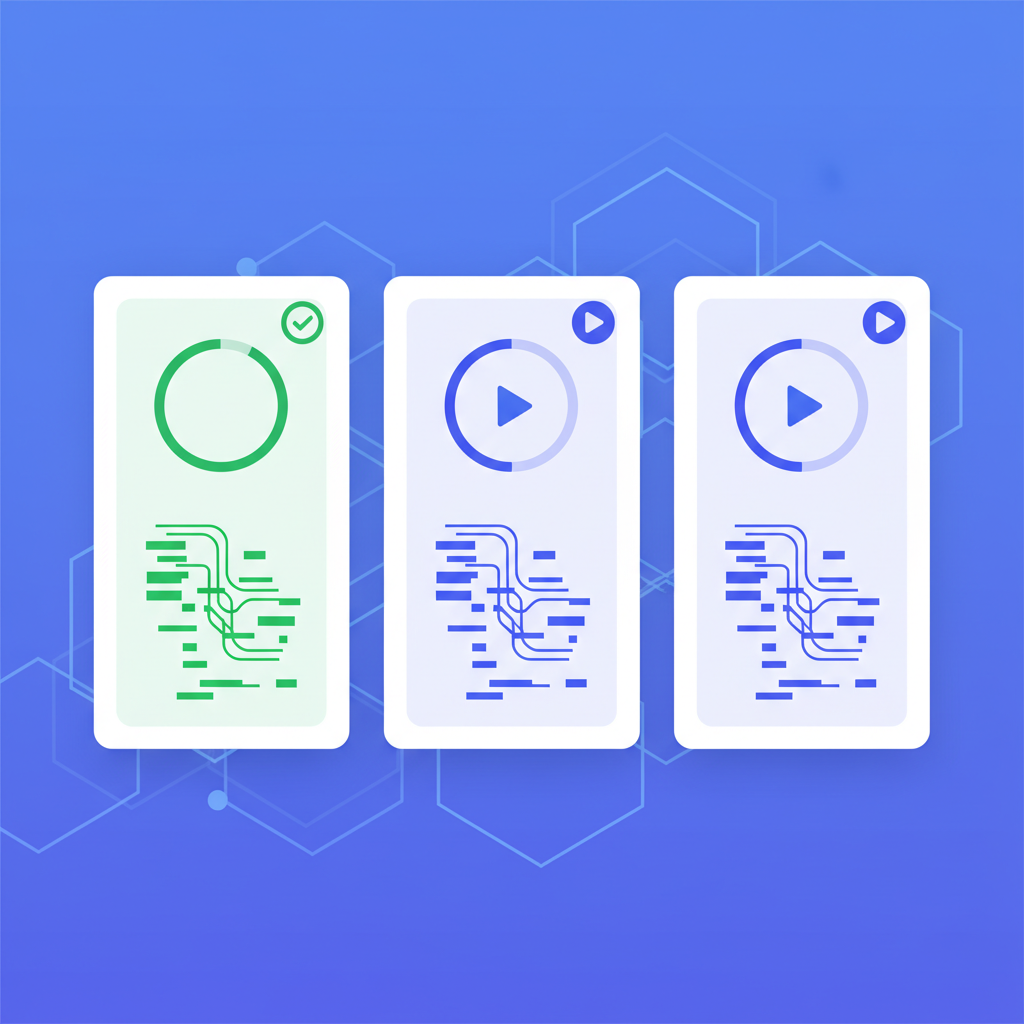
The single-agent model is already outdated. Developers in 2026 routinely run multiple AI agents in parallel — one writing backend code, another generating tests, a third handling documentation. Managing these agents in separate terminal tabs or separate IDE windows is untenable.
A desktop app can provide a unified control plane. You see all active agents, their current status, what files they are touching, and what commands they are running. You can pause one agent, redirect another, and monitor resource consumption across all of them from a single interface.
This is not something an IDE plugin can do well. Editor extensions are designed to enhance the editing experience, not to serve as dashboards for managing multiple concurrent processes. A standalone app has the freedom to design its interface entirely around the orchestration problem.
2. Cost Visibility Is Now a Hard Requirement
AI coding agents are expensive. A busy developer using Claude Code or a similar agent can easily spend $50 to $200 per day on API costs. When you are running multiple agents on complex tasks, costs can spike unpredictably.
The terminal gives you no cost feedback. IDE plugins have limited ability to display persistent cost information without cluttering the editing interface. But a desktop app can dedicate screen real estate to cost tracking — per-message costs, session totals, daily trends, budget alerts — without competing with the code editing experience.
This is not a nice-to-have. For teams and individual developers managing API budgets, real-time cost visibility is a requirement. Desktop apps are uniquely positioned to provide it because they control their entire UI and can present financial information alongside agent activity.
3. IDE-Agnostic Workflows Are the Norm
Here is a reality that the AI-native IDE model struggles with: most developers do not want to be locked into a single editor. Teams use different editors. Individual developers switch between VS Code, JetBrains IDEs, Neovim, and others depending on the project, language, or task.
An AI coding agent that lives inside Cursor only works when you are using Cursor. An agent that lives inside a VS Code extension only works when you are in VS Code. But a standalone desktop app works regardless of which editor you have open. The agent interacts with your file system and terminal — it does not need to be embedded in your editor to function.
This IDE-agnostic quality is increasingly important as AI agents become more autonomous. If the agent is reading files, running tests, and writing code on its own, it does not matter which editor you have open. What matters is that you have a good interface for directing the agent and reviewing its work. That interface does not need to be your code editor.
4. System-Level Resource Management
AI coding agents are resource-intensive. They spawn processes, consume memory, make network requests, and sometimes run for minutes or hours on complex tasks. Managing these resources within the sandboxed environment of an editor extension is fundamentally limited.
A native desktop app has full access to system resources. It can manage process lifecycles, monitor memory consumption, handle crash recovery, and implement proper cleanup when agents fail or get stuck. It can manage persistent background processes that survive editor restarts. It can integrate with the operating system's notification system to alert you when a long-running task completes.
Electron-based desktop apps, in particular, offer the combination of web-based UI development with native system access through Node.js. This is why several tools in this space — including SuperBuilder — have chosen the Electron + React architecture. It provides the flexibility of web UIs with the system integration that AI agent orchestration demands.
5. Purpose-Built UX for Agent Interaction
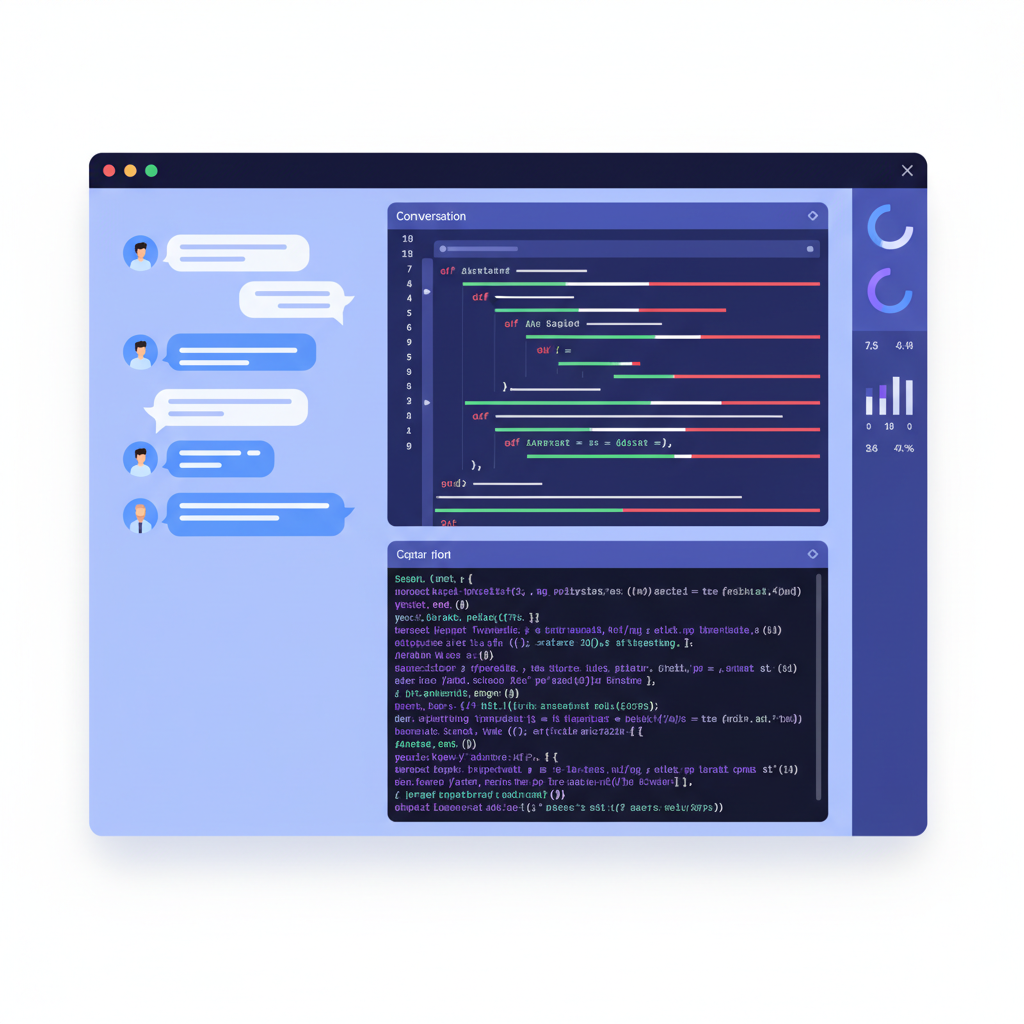
Interacting with an AI coding agent is fundamentally different from writing code. When you are coding, you want a minimal, distraction-free editor. When you are directing an AI agent, you want a rich interface — conversation history, file diffs, terminal output, agent status, cost information, and controls for steering the agent's behavior.
Trying to cram both experiences into a single window creates UX compromises. The AI-native IDE approach works for simple interactions, but as agents become more capable and sessions become longer, the editing interface and the agent interface compete for attention and screen space.
A standalone desktop app can design its entire experience around the agent interaction. Conversation threads, visual diffs, real-time streaming output, debug panels, skill configurations — all of these can be first-class citizens of the interface without compromising the code editing experience in a separate window.
The Current Landscape: Who Is Building What
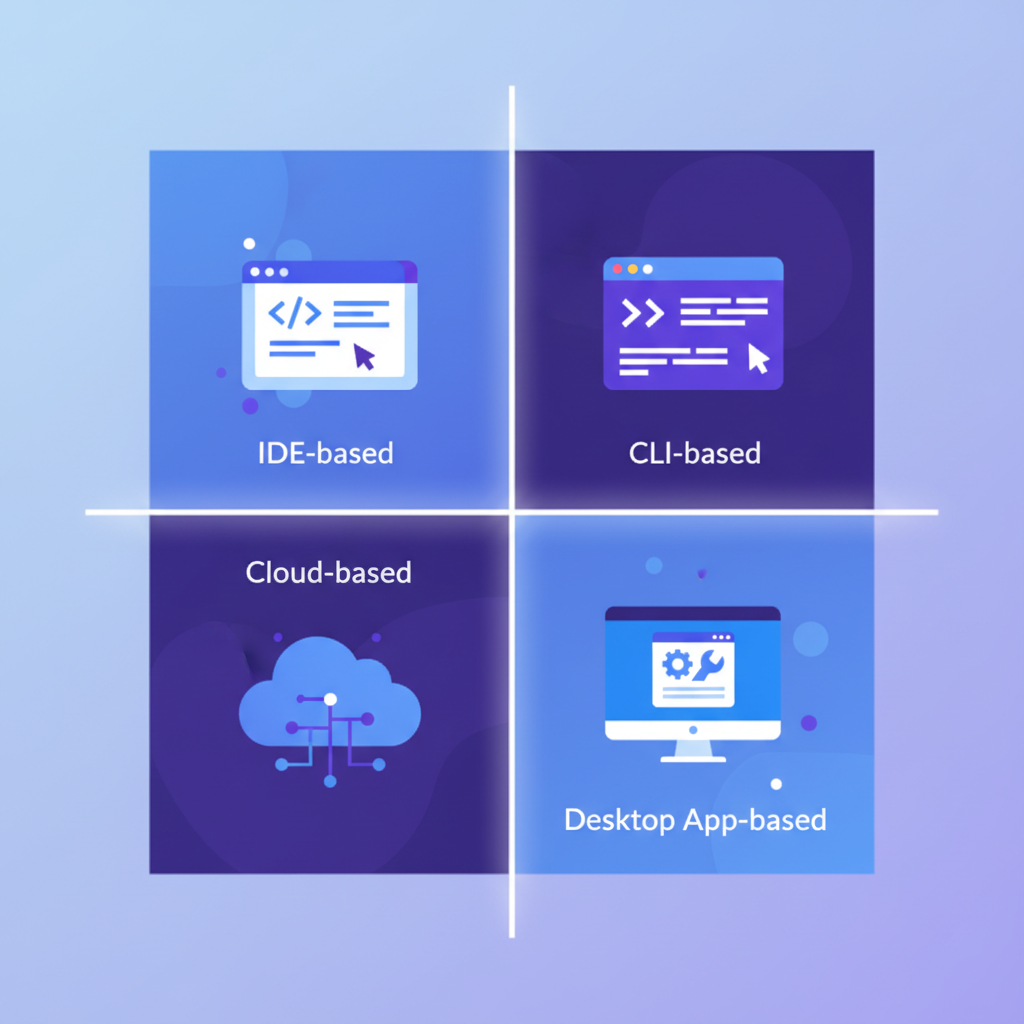
The AI coding tool landscape in 2026 includes several distinct approaches. Understanding where each tool fits helps clarify why the desktop app category is emerging as its own thing.
Cursor — The AI-Native IDE
Cursor remains the most successful AI-native IDE. Its approach is to make the editor itself intelligent — multi-file edits, codebase-wide context, agent mode for autonomous tasks. It works well for developers who want AI deeply integrated into their editing flow and are comfortable with a VS Code-based environment.
The limitation is the IDE lock-in. You use Cursor's editor or you do not use Cursor. For teams with mixed editor preferences or developers who prefer terminal-based workflows, this is a meaningful constraint.
Claude Code — The CLI Agent
Anthropic's Claude Code proved that a powerful AI coding agent does not need a graphical interface to be useful. Running in the terminal, it can tackle complex multi-file tasks, run commands, and iterate autonomously. Its streaming JSON output format makes it possible for other tools to build on top of it.
The limitation is the raw interface. Terminal-based interaction works for single tasks but becomes unwieldy when managing multiple concurrent agents, tracking costs, or monitoring long-running sessions.
OpenAI Codex — The Cloud-First Approach
OpenAI's Codex tool takes yet another angle, emphasizing cloud-based sandboxed execution. Tasks run in isolated environments, with results delivered asynchronously. The approach prioritizes safety and reproducibility but introduces latency and removes the direct connection to your local development environment.
SuperBuilder — The Desktop Agent Orchestrator
SuperBuilder (superbuilder.sh) represents the desktop app approach. It is a free, open-source Electron application that wraps Claude Code (and in the future, other agents) in a purpose-built desktop interface. It provides conversation management, real-time cost tracking per message, multi-thread orchestration, debug tooling, and a skills system for extending agent capabilities.
The architecture is telling: rather than building its own AI model or forking an editor, SuperBuilder focuses entirely on the orchestration layer. It spawns Claude Code via node-pty, streams and parses the output, and presents it in an interface designed for agent interaction. Your code stays in whatever editor you prefer. SuperBuilder handles the agent.
This is a pattern we expect to see more of — dedicated orchestration layers that sit between the AI model and the developer, providing the monitoring, management, and UX that neither a raw CLI nor an IDE plugin can deliver.
What This Means for Developers
The shift to desktop apps is not just a technical trend. It has practical implications for how developers choose, use, and think about AI coding tools.
More Choice, Less Lock-In
When AI coding lives in a standalone app rather than inside your editor, you gain freedom to mix and match. Use Neovim for editing, SuperBuilder for agent orchestration, and switch to a JetBrains IDE for debugging — the agent layer does not care. This decoupling is healthy for the ecosystem because it means choosing an AI coding tool does not require changing your entire development setup.
Specialized Workflows Become Possible
A dedicated desktop app can support workflows that do not fit the plugin model. Consider a scenario where you want to run three agents in parallel — one refactoring a module, one writing tests for the refactored code, and one updating documentation. A desktop app can show all three threads side by side, track their costs independently, and let you intervene in any thread without losing context on the others.
Or consider debugging workflows. SuperBuilder includes a dedicated debug mode with hypothesis tracking, log aggregation, and structured analysis. This kind of specialized tooling is difficult to build as an editor extension because the extension API surface is limited and the UX real estate is constrained.
Cost Management Becomes a First-Class Concern
As AI coding costs become a significant line item for development teams, the tools that provide the best cost visibility will have an advantage. Desktop apps can display cost information prominently and persistently — per-message breakdowns, session totals, daily trends, budget thresholds — in ways that a sidebar chat widget or terminal output simply cannot match.
This is especially important for team leads and engineering managers who need to understand and manage AI coding spend across a team. A desktop app with proper cost dashboards becomes a management tool, not just a development tool.
The Agent-Editor Separation Will Deepen
We are moving toward a world where the AI agent and the code editor are separate concerns. The agent operates on your codebase through the file system and terminal. The editor is where you read, review, and manually modify code. The desktop app is where you direct, monitor, and manage agents.
This separation mirrors how other complex workflows have evolved. Video editors do not embed project management tools. Design tools do not embed deployment pipelines. As AI coding matures, the "do everything in one window" approach will give way to purpose-built tools for each part of the workflow.
Open-Source Desktop Apps Lower the Barrier
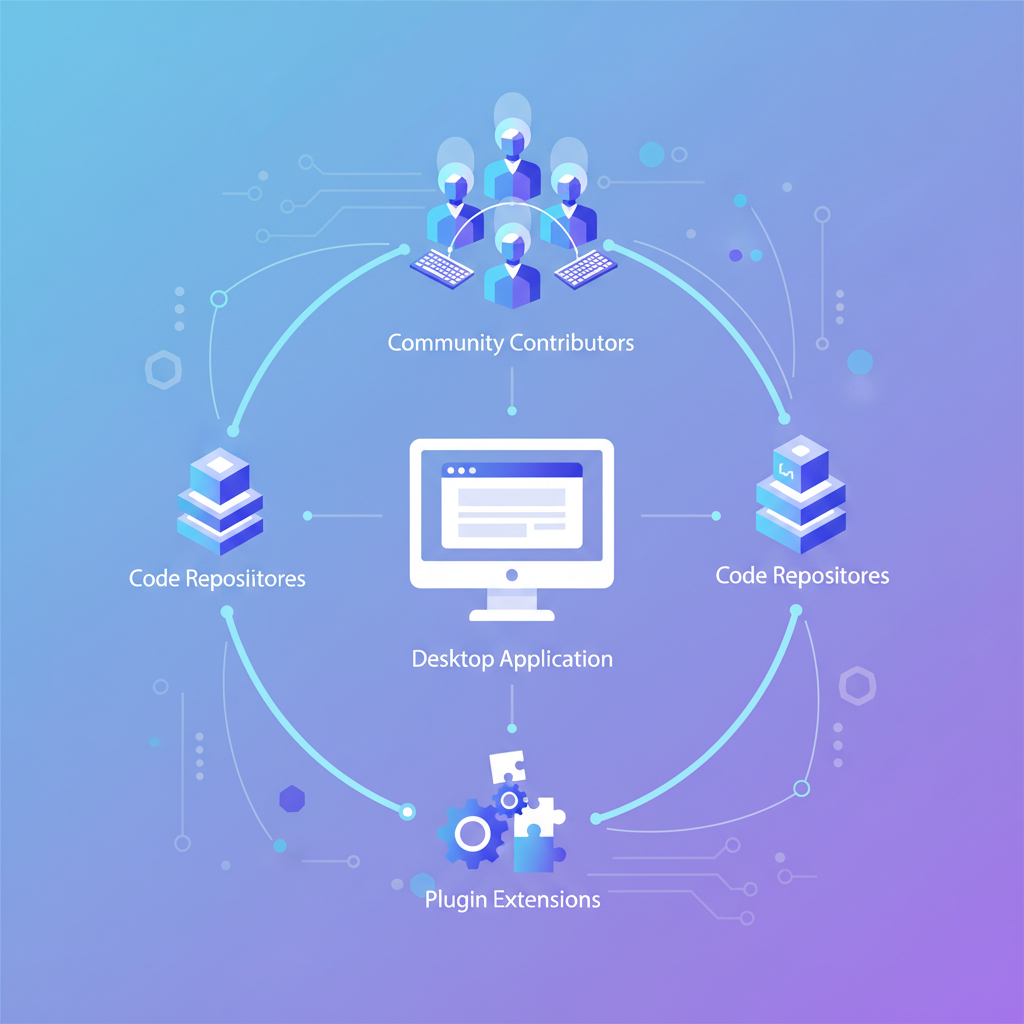
One notable aspect of the desktop app trend is the role of open-source. SuperBuilder is fully open-source, which means developers can inspect, modify, and extend the orchestration layer. This matters because AI coding workflows are still evolving rapidly. What works today may need to change tomorrow. Open-source desktop apps allow the community to iterate on the UX and architecture faster than any single company can.
It also addresses trust concerns. When a tool has access to your codebase, terminal, and potentially your API keys, transparency about what it does with that access is not optional. Open-source provides that transparency by default.
Looking Ahead: Where Desktop AI Coding Tools Are Going
The desktop app category for AI coding is still young. Based on the architectural trends and developer needs we see today, several directions seem likely.
Multi-Model Support
Today, most tools are tightly coupled to a single AI provider. As the model landscape evolves, desktop apps that can orchestrate agents across multiple providers will have an advantage. A developer might want Claude for complex reasoning, a faster model for simple code generation, and a specialized model for documentation. An orchestration layer that supports this flexibility is more valuable than one locked to a single provider.
Team Features and Shared Dashboards
Individual developer tools are the starting point, but team features are the natural next step. Shared prompt libraries, team-wide cost dashboards, agent configuration templates, and collaborative debugging sessions — all become possible when the AI coding tool is a standalone application with its own data layer rather than a stateless editor plugin.
Deeper OS Integration
Desktop apps can integrate with the operating system in ways that web apps and plugins cannot. System notifications when long-running tasks complete. Menu bar status indicators. File system watchers that trigger agents automatically. Global keyboard shortcuts. As agents become more autonomous and run longer tasks, these OS-level integrations become increasingly valuable.
Standardized Agent Protocols
The emergence of protocols like MCP (Model Context Protocol) points toward a future where AI agents, tools, and interfaces communicate through standardized interfaces. Desktop apps are well-positioned to act as MCP hosts, connecting to multiple tool servers and presenting a unified interface. SuperBuilder already uses an MCP server for its skills system, exposing browser automation and image generation capabilities to the underlying Claude Code agent.
Conclusion
The migration of AI coding agents from editor plugins to standalone desktop apps is not a fashion trend. It is an architectural response to real problems — multi-agent orchestration, cost visibility, IDE independence, resource management, and purpose-built UX for agent interaction.
The trajectory is clear. AI coding started as a feature (autocomplete), evolved into a product (AI-native IDEs), and is now becoming a workflow that requires its own dedicated workspace. Desktop apps provide that workspace.
For developers evaluating their tooling in 2026, the question is no longer "which editor has the best AI?" It is "what is the best environment for directing AI agents?" — and increasingly, the answer is a purpose-built desktop application.
If you want to explore this approach, SuperBuilder is free, open-source, and available for macOS. It provides a dedicated desktop environment for AI coding agents with built-in cost tracking, multi-thread management, debug tooling, and an extensible skills system. Download it and see what a purpose-built agent workspace feels like.
Have thoughts on the future of AI coding tools? Join the conversation on GitHub or reach out on Twitter/X.
